
Devoard SchoolOne platform. Your entire school.
A complete school management system for admission to graduation: admissions, students, attendance, timetables, exams & results, fees & finance, payroll, library, transport, hostel and inventory — secured with fine-grained role-based access for staff, teachers, parents and students.

Everything your campus needs, out of the box
Real-time School Dashboard
Your whole school, at a glance.
A live command center for your campus. Animated KPI cards show total enrollment, today's attendance percentage, fee collection in your local currency, and staff count — alongside attendance trends, revenue vs. expenses, monthly fee collection charts, per-class performance, and at-risk students flagged for early intervention.
- 4 animated KPI cards — enrollment, attendance, fees, staff
- 30-day attendance trend & class performance charts
- Revenue vs. expenses with outstanding dues tracking
- At-risk student alerts for early intervention
- Defensive role guards — every dashboard stays crash-free
DashboardAnalytics & Insights
Data that drives better decisions.
Dive deeper with an analytics center covering enrollment, attendance, fees and academics. Overview tab surfaces seven key metrics, Trends tab compares attendance and class performance over time, and the Enrollment tab breaks down active students per class.
- 7 KPI cards — enrollment, students, attendance, staff, fees, invoices, dues
- Attendance trend bars & latest exam averages
- Enrollment by class with horizontal charts
- Fee collection and revenue-vs-expense visuals
- Same live data as the dashboard, deeper drill-downs
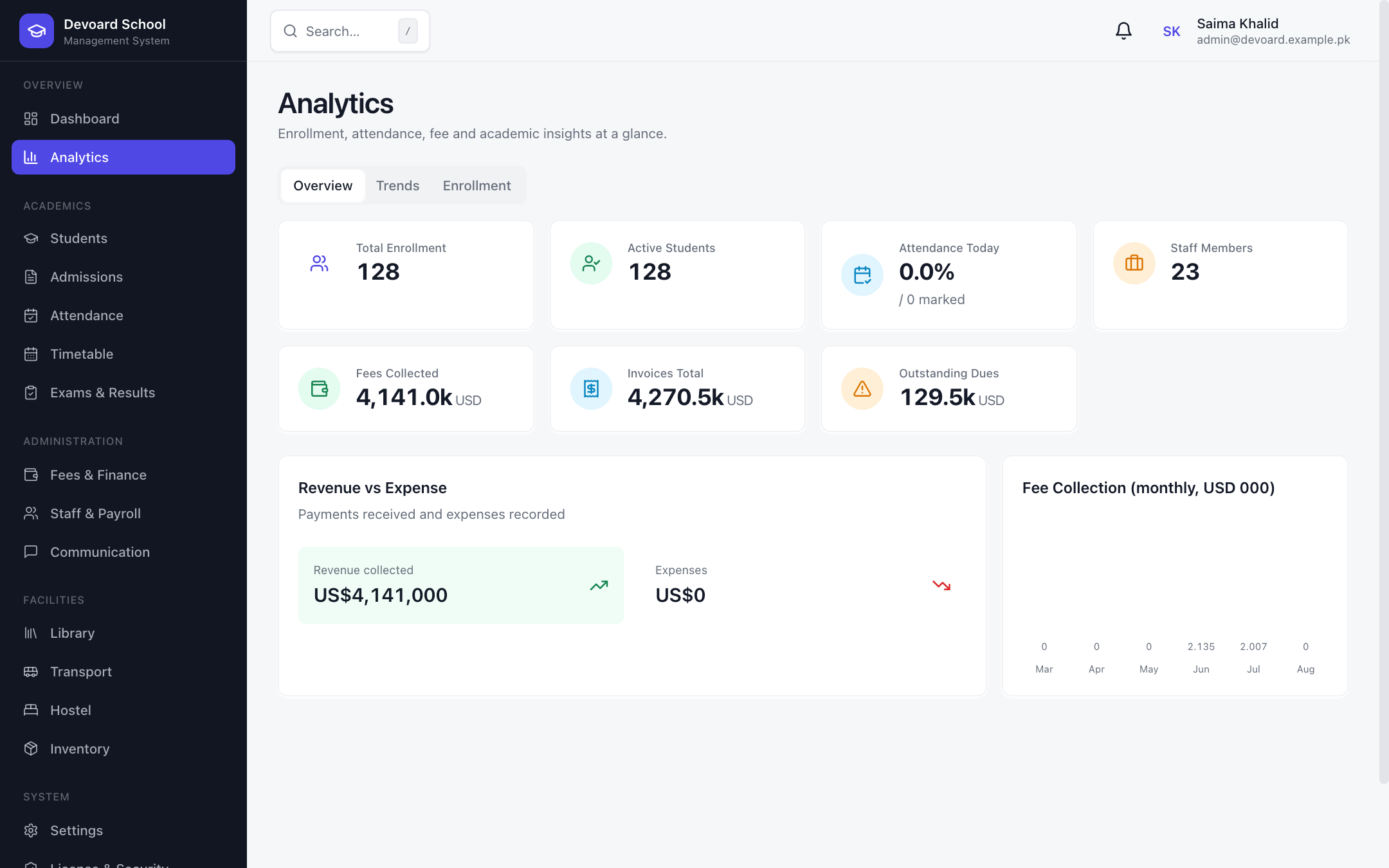 Analytics Overview
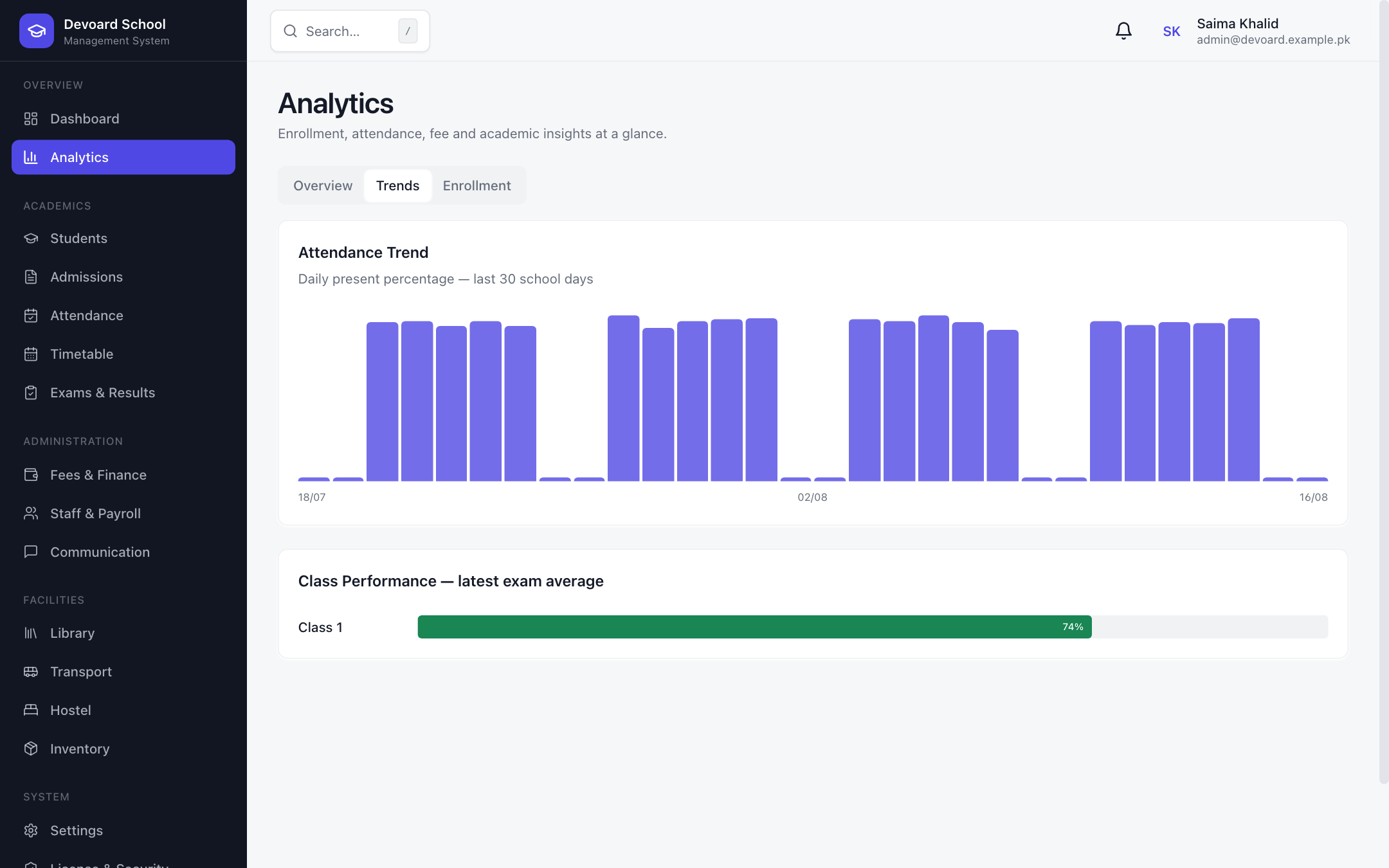 Analytics Trends
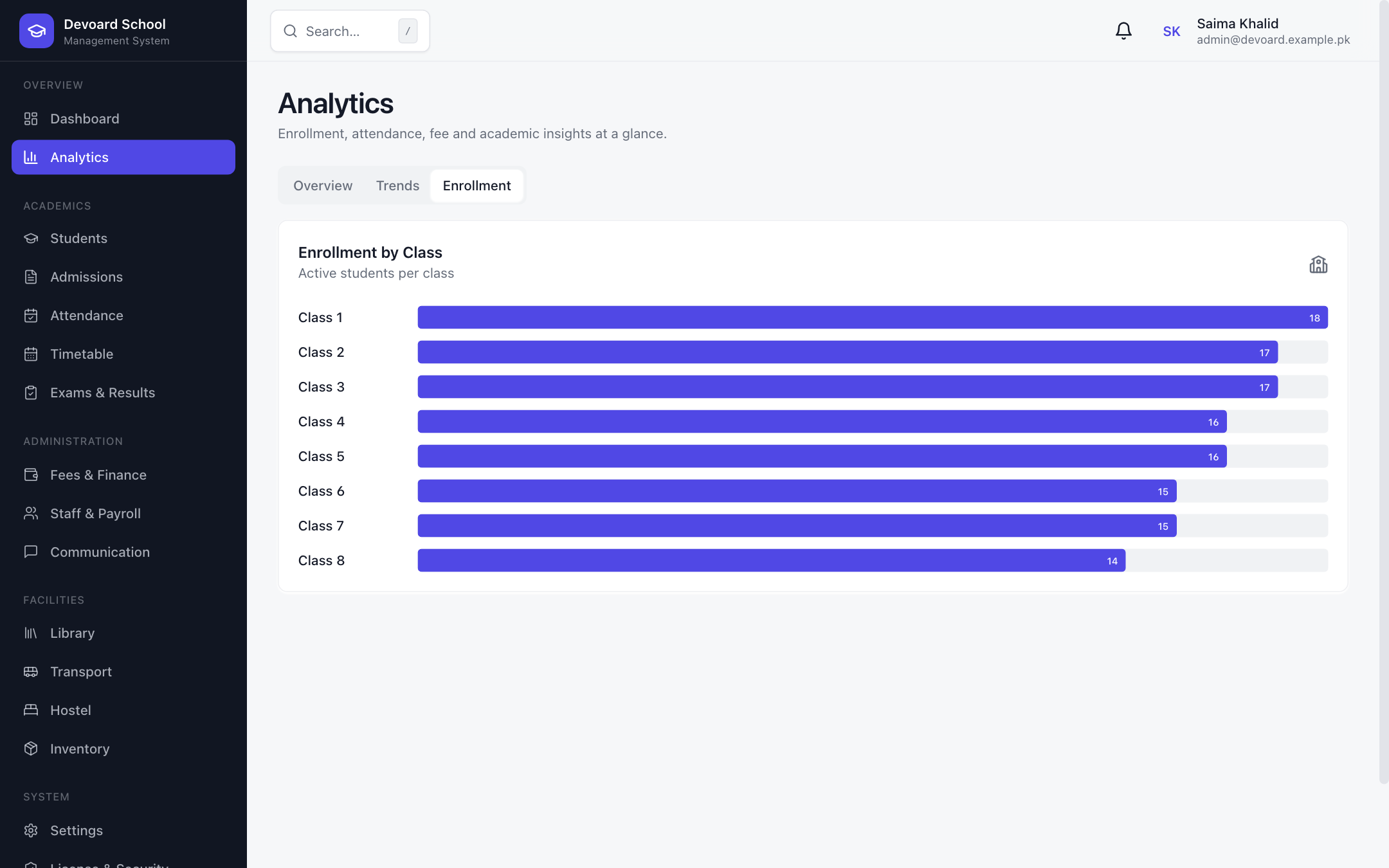 Enrollment Analytics
Student Information System
Complete digital student records.
Manage the full student lifecycle — from admission to graduation or leaving school. Rich student profiles capture demographics, blood group, guardians, medical notes, class and section. Bulk CSV import, ID cards and transfer certificates generate in one click, and leaving reasons are tracked while every record is preserved.
- Full student profiles with guardians & medical notes
- Bulk CSV import with per-row validation results
- One-click ID card & transfer certificate PDFs
- Filters by class, section, status & search
- Mark as Left School with reason and date (history preserved)
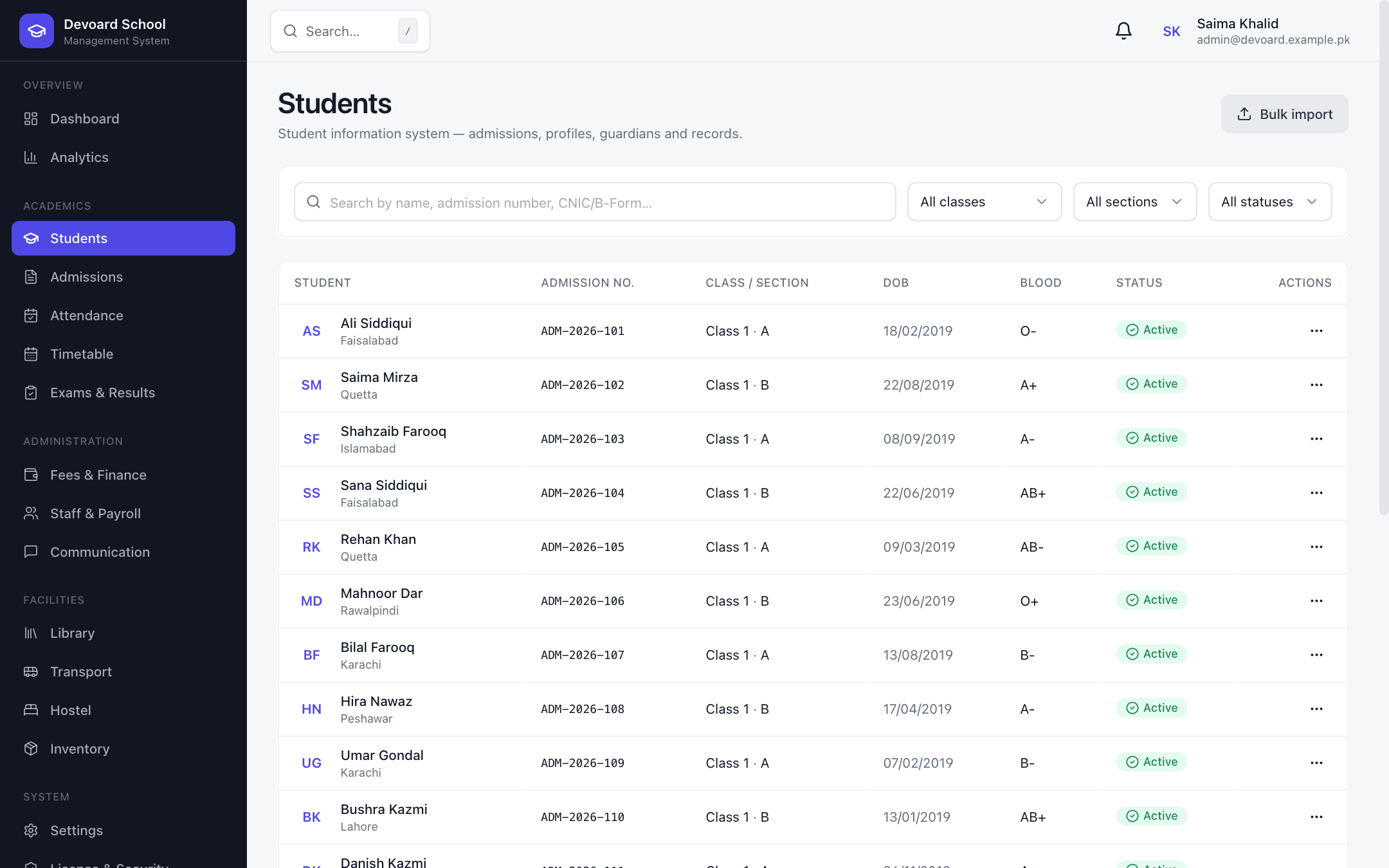 Students
Admissions & Pipeline
Turn inquiries into enrolled students.
A visual admissions pipeline — Inquiries, Applied, Tested, Admitted and Rejected — so no applicant slips through. Register applicants, record entrance-test scores (with automatic pass/fail), approve admissions to instantly create the student record, admission number and login, or reject with a reason.
- Visual pipeline cards for every admission stage
- Entrance test scoring with automatic pass threshold
- One-click approval creates student record & login
- Reject with reason tracking
- Search & status filters across all applicants
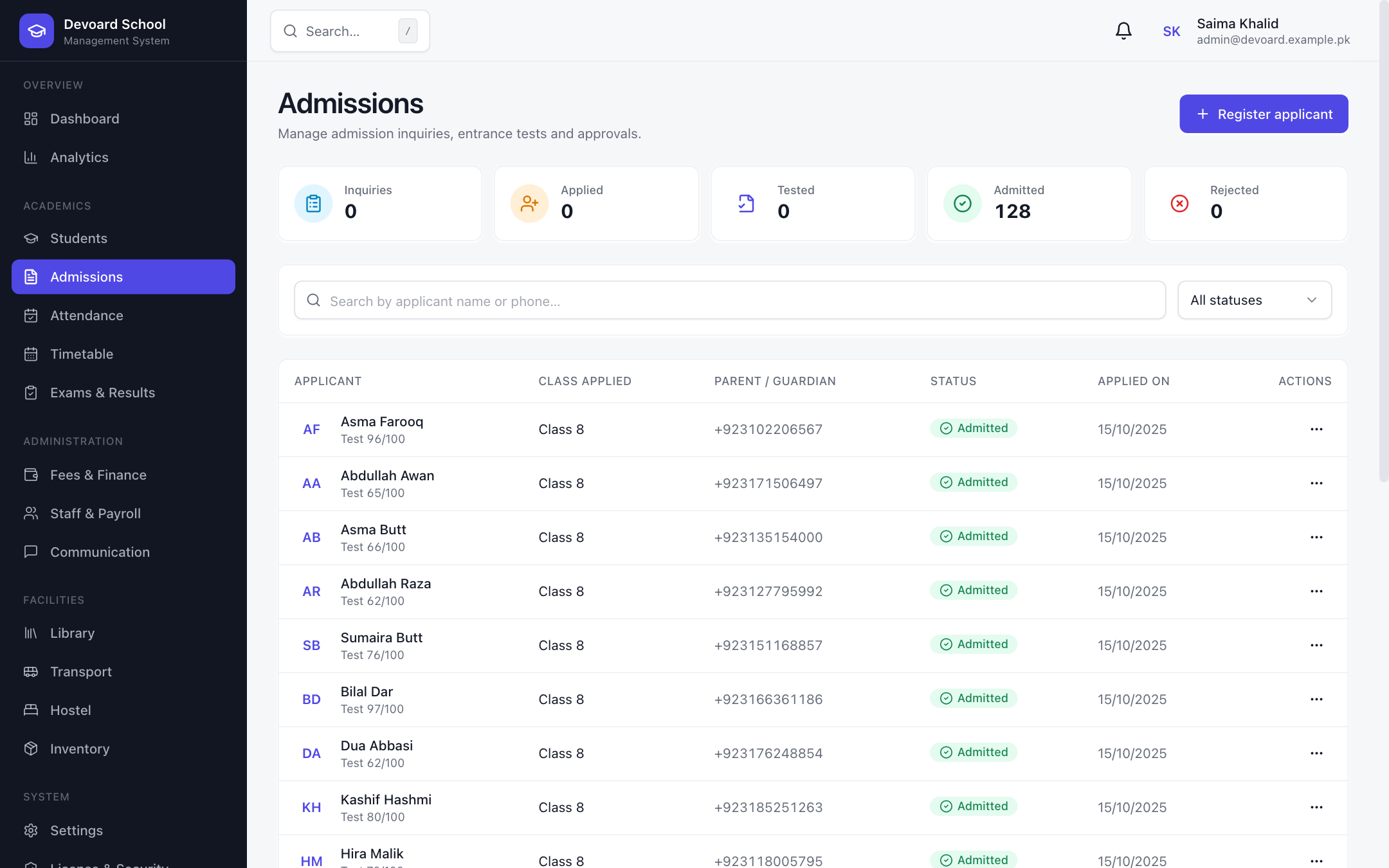 Admissions
Attendance & Leave
Roll call, perfected.
Mark daily attendance in seconds with quick actions — all present, all absent or all late — plus per-student statuses of Present, Absent, Late and Excused. Review attendance defaulters with at-risk warnings, manage leave applications, and save changes instantly.
- Quick-mark: all present / absent / late
- Per-student PRESENT, ABSENT, LATE, EXCUSED statuses
- Save changes in bulk or per row
- Defaulters table with attendance % and risk badges
- Leave applications reviewed by front desk / admin
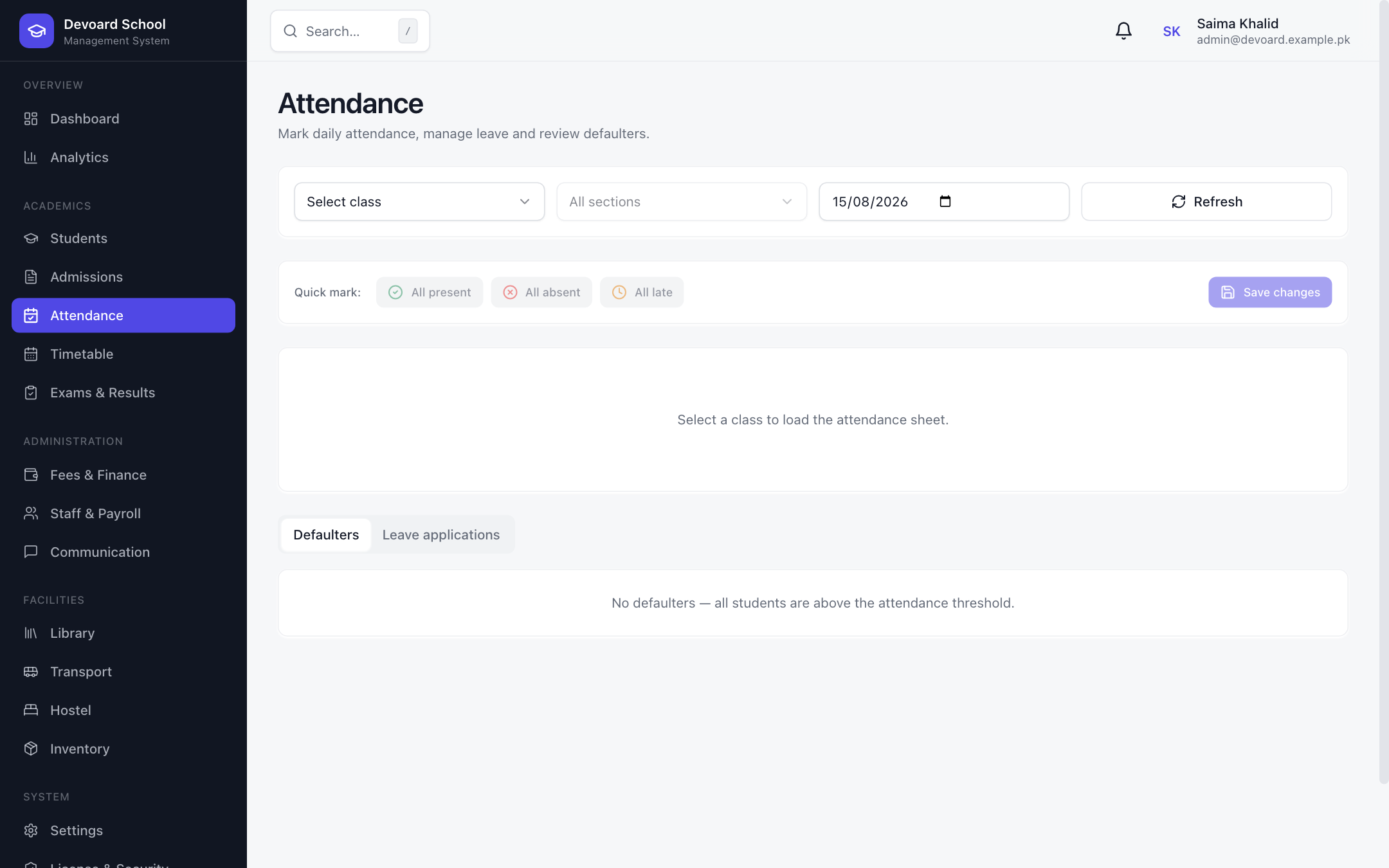 Attendance
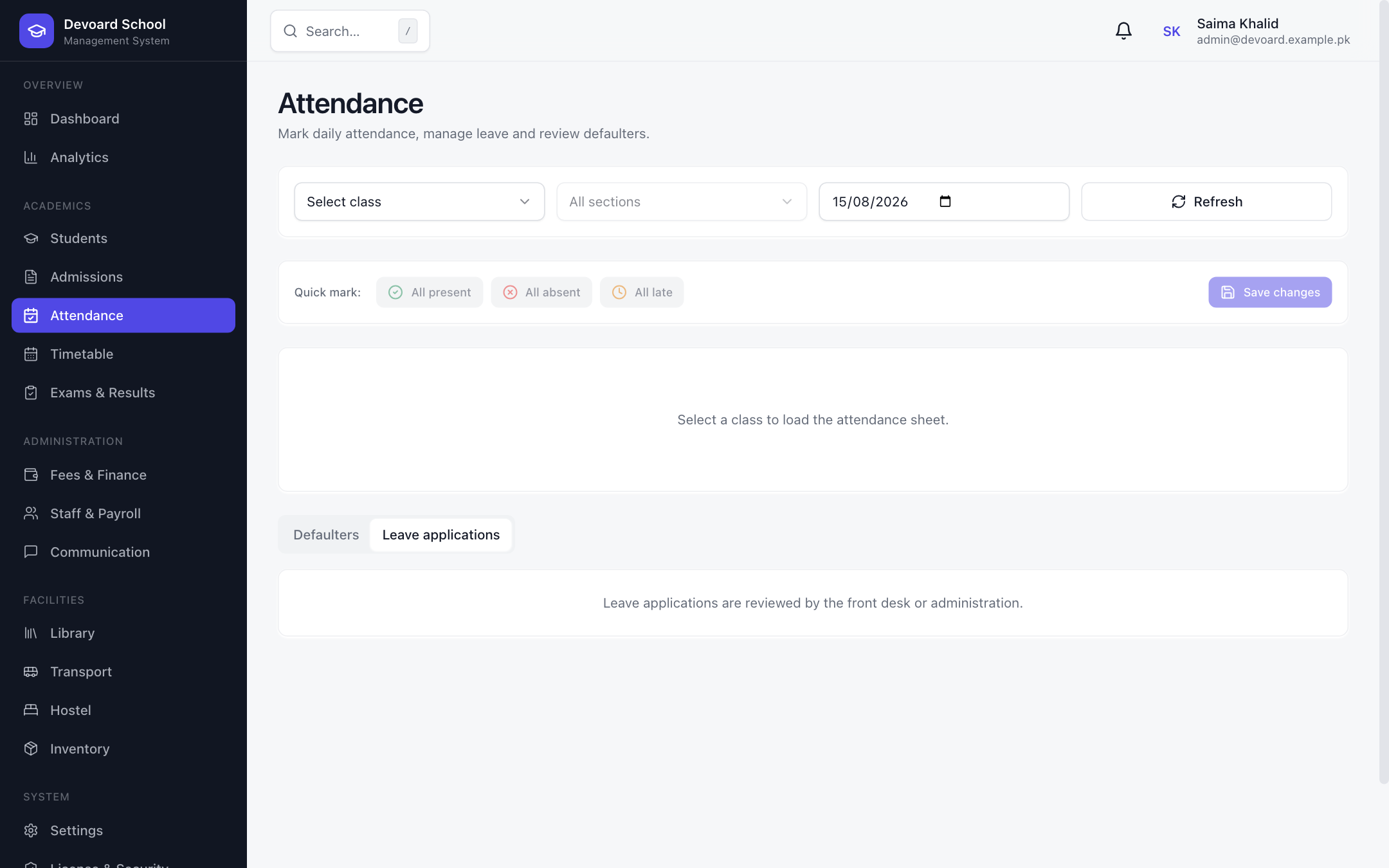 Leave Applications
Timetable
Every period, every class, organized.
A weekly class timetable from Period 1 to 6, Monday through Saturday, with color-coded subject chips and assigned-subject cards. Slot times are configured centrally in the academics module so schedules stay consistent campus-wide.
- Weekly grid — Periods 1-6 across Mon–Sat
- Color-coded subject chips with codes
- Assigned subjects card per class
- Central slot-time configuration
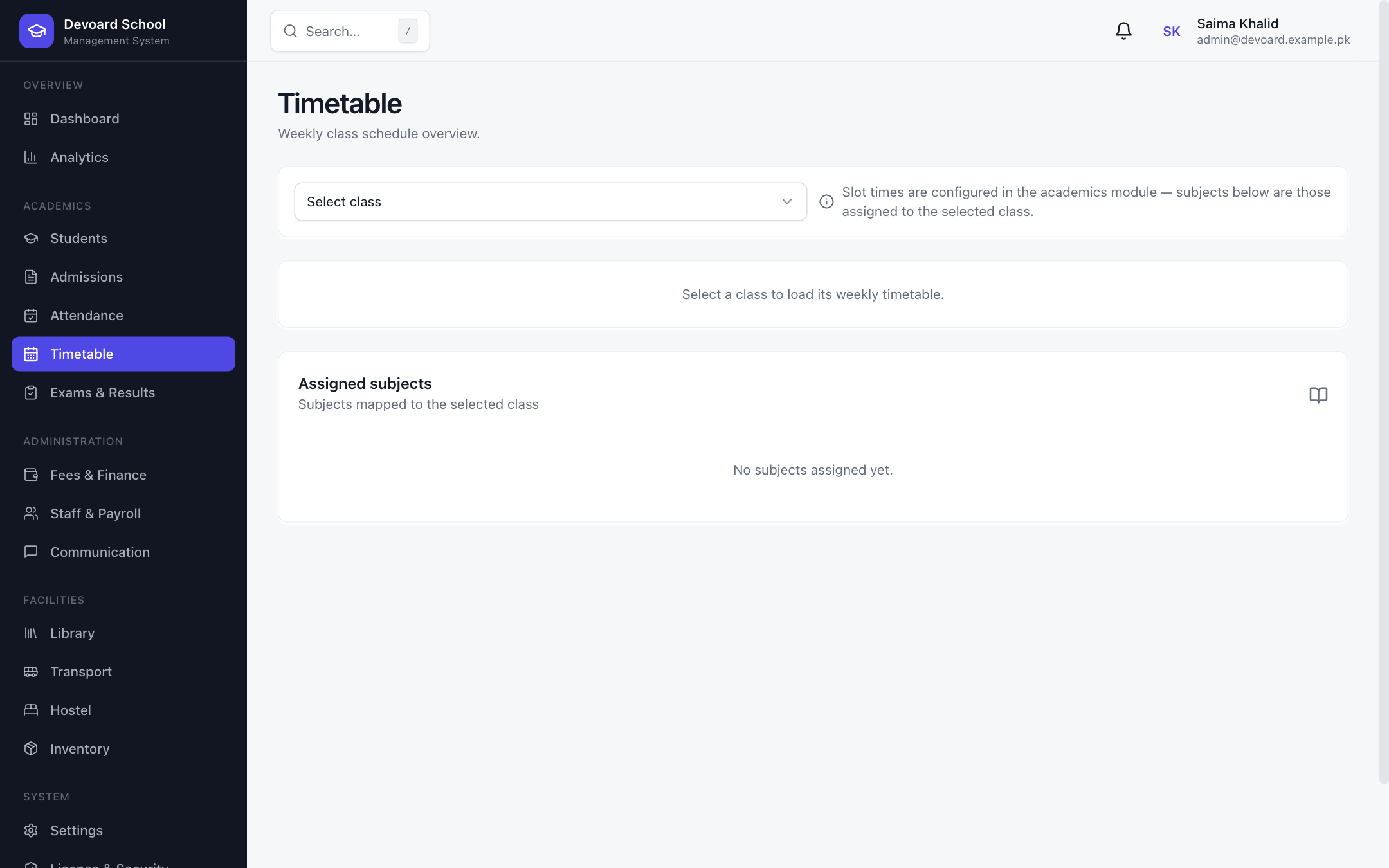 Timetable
Exams, Marks & Results
From paper to report card.
A complete examination workflow: schedule exams by type, class and session; enter marks subject by subject with absent handling; generate results with ranks, percentages, grades and pass/fail status; and publish instantly. Report cards download as branded PDFs, one click per student.
- Exam scheduling by type, class & session
- Marks entry with max/pass thresholds & absent flag
- Automatic result generation with ranks & grades
- Publish / unpublish results with one toggle
- Per-student report card PDF download
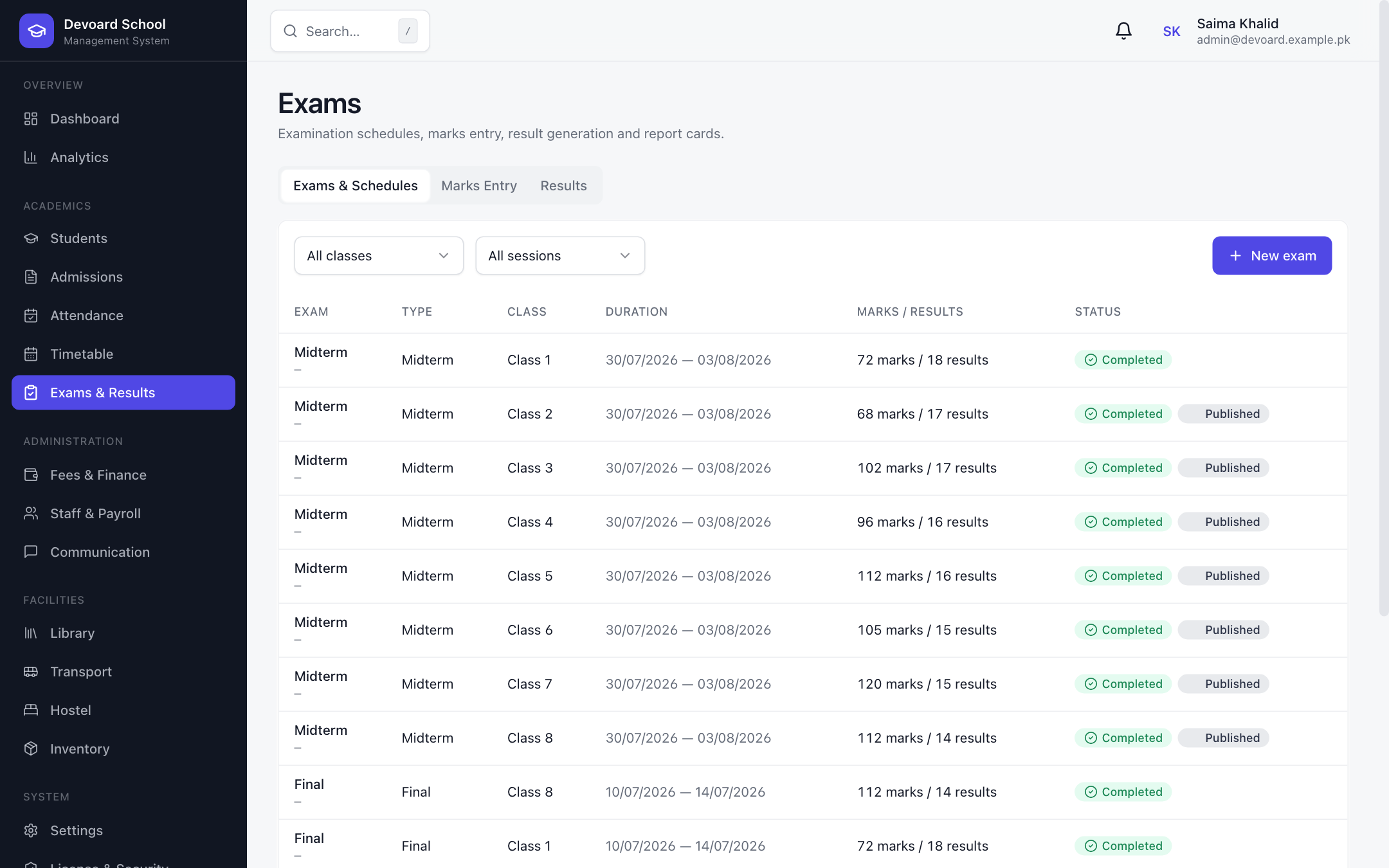 Exams & Schedules
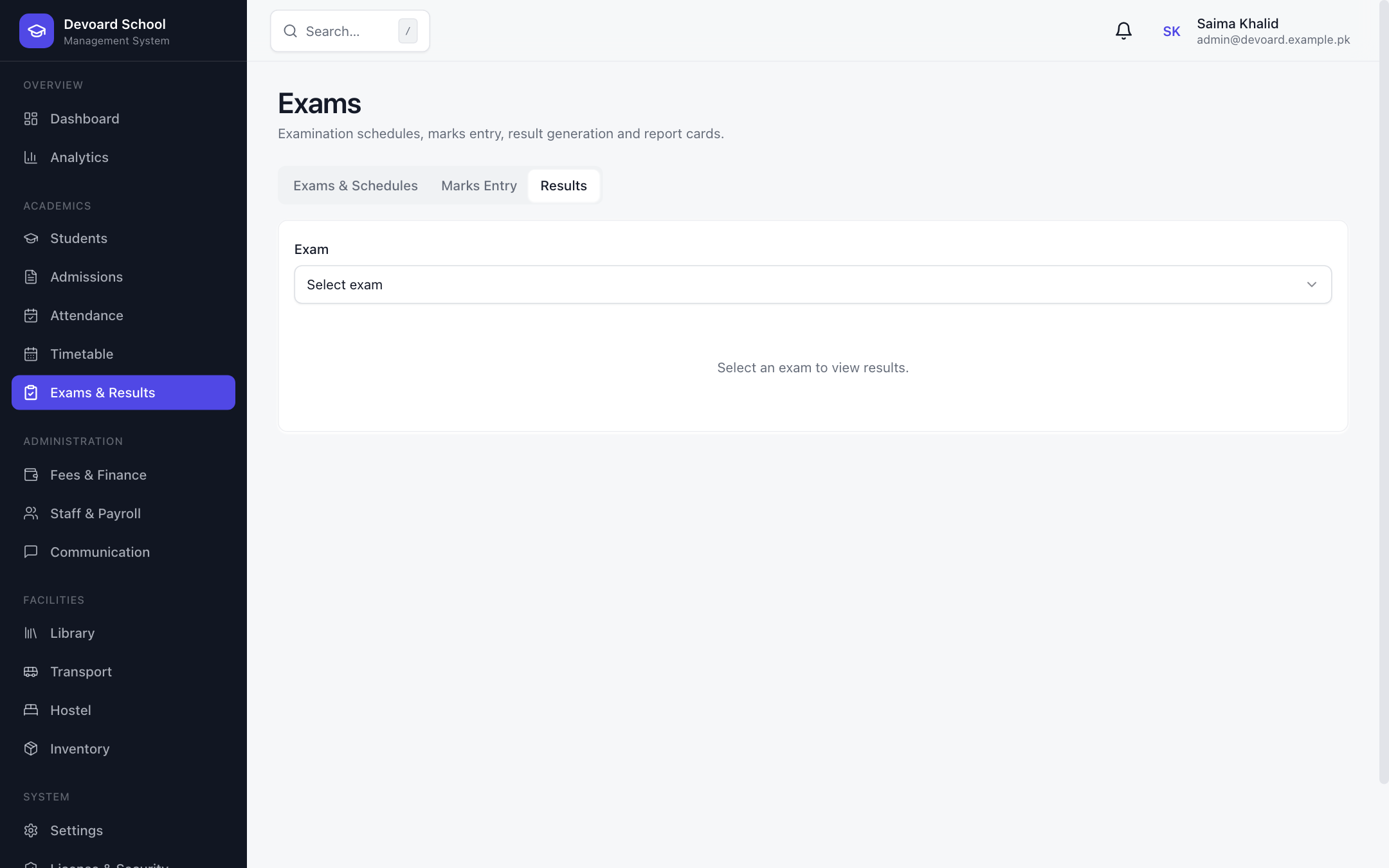 Results
Fees & Finance
Invoicing, collections and reports.
A complete fee workflow for schools. Generate monthly invoices from fee structures with a single click, or create manual invoices per student. Record payments via CASH, BANK_TRANSFER, CARD, JAZZCASH, EASYPAISA, STRIPE, CHEQUE or OTHER with instant receipts. Manage categories, structures, discounts, and review dues and revenue-ledger reports.
- Bulk monthly invoice generation per session
- Manual invoice entry with categories & notes
- 8 payment methods — cash to Stripe to JazzCash
- Fee categories, structures & late-fee rules
- Discounts (percentage or fixed)
- Dues report & revenue ledger with date filters
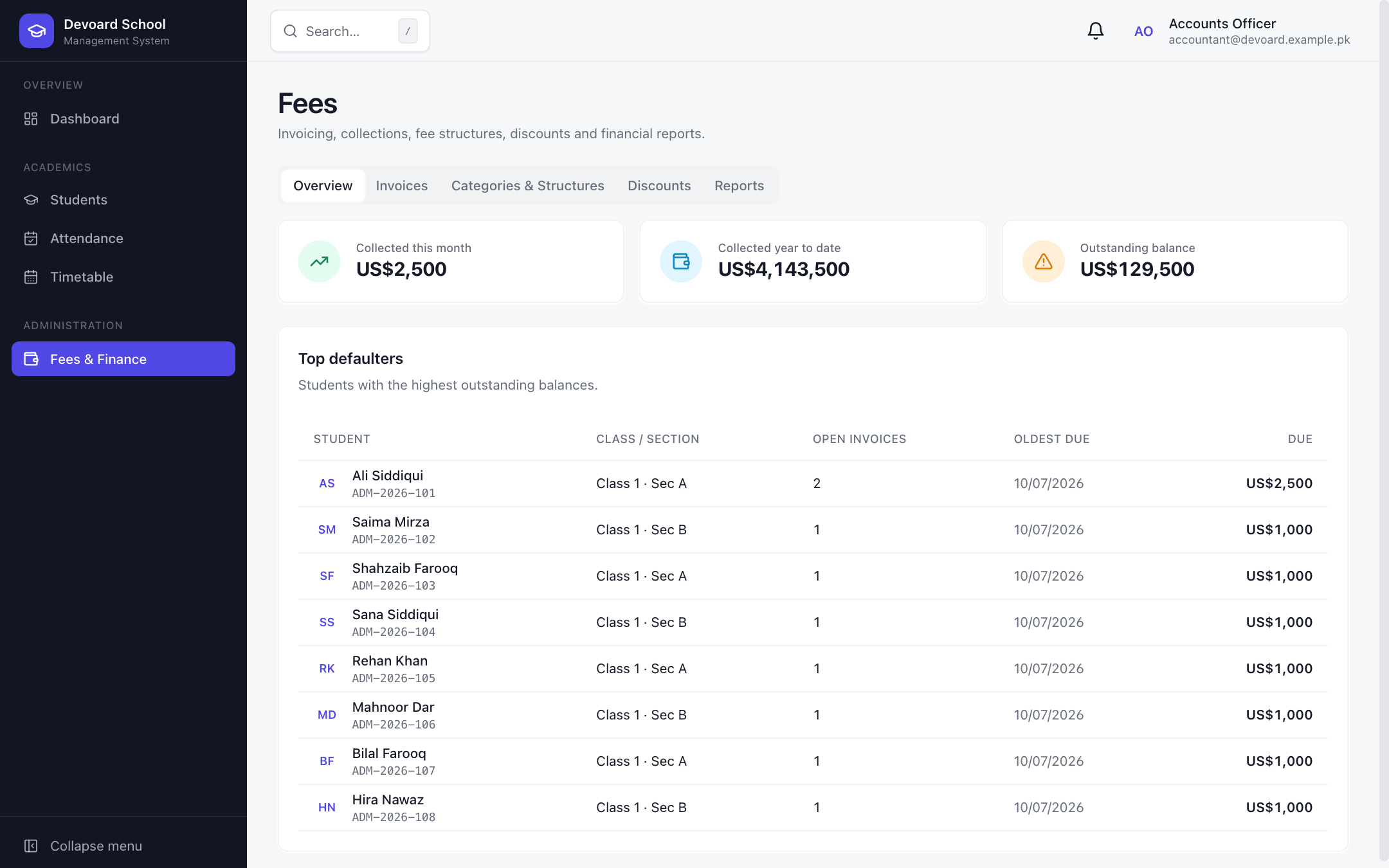 Fees Overview
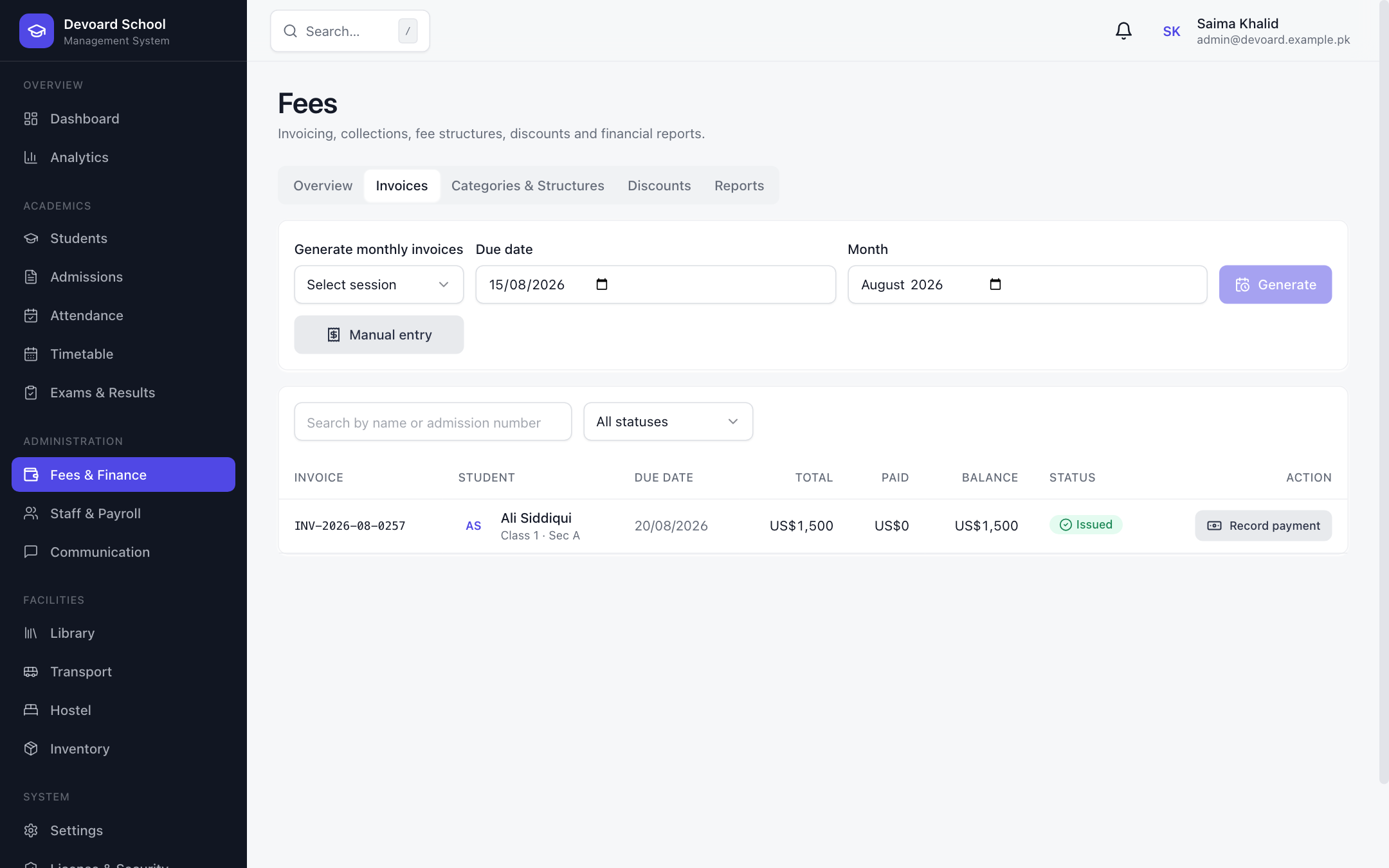 Invoices
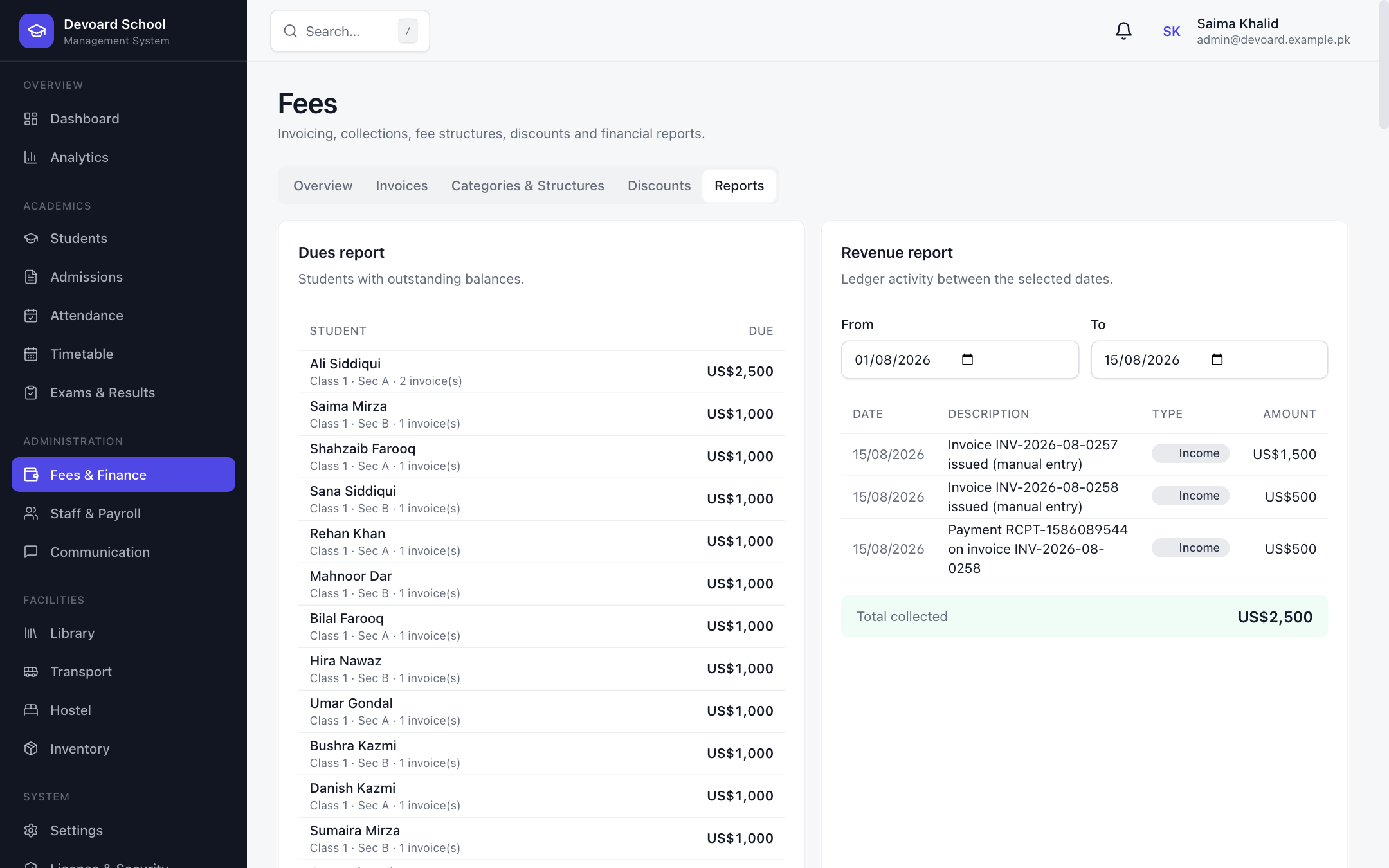 Fee Reports
Staff, Payroll & HR
Run your faculty like a team.
A complete HR suite for schools: staff records with designations, departments and join dates; monthly payslip generation with gross/net totals and mark-as-paid tracking; leave approval workflows with substitutes; and a recruitment module with job postings, applicants, interviews and hiring status.
- Staff directory with search & status filters
- Monthly payslip generation with net totals
- Leave management with substitutes & approvals
- Job postings, applicants & interview scheduling
- Applicant statuses — SHORTLISTED, OFFERED, HIRED
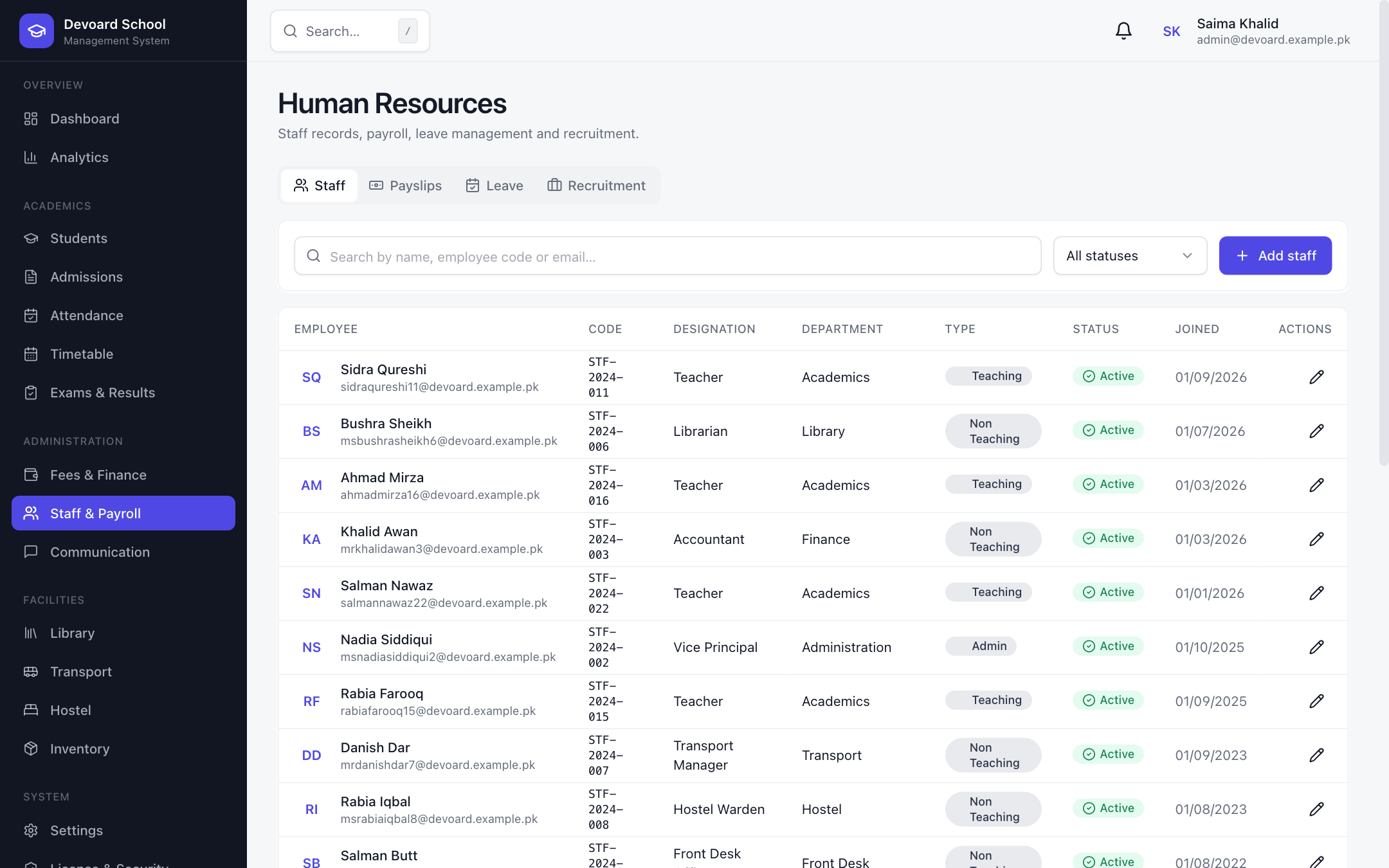 Staff
Staff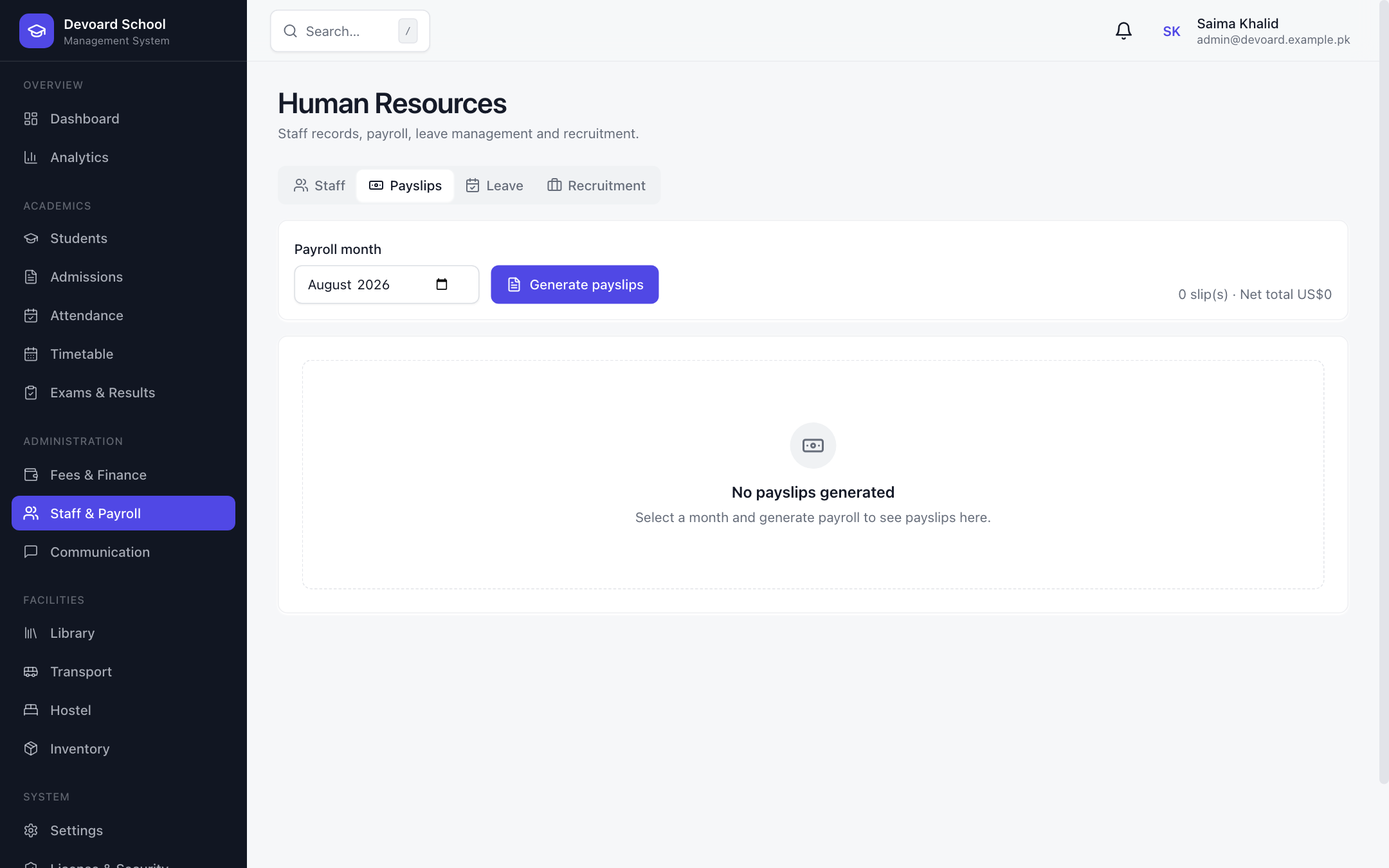 Payroll
Communication & Events
One message, everyone informed.
Keep staff, students and parents in the loop. Post announcements targeted by audience with acknowledgement tracking, exchange direct messages through an inbox, broadcast notifications with priority badges, and publish campus events with visibility controls.
- Announcements with audience targeting & pinning
- Acknowledgment tracking per announcement
- Direct messages with inbox & sent views
- Priority notifications with mark-all-read
- Campus events with visibility controls
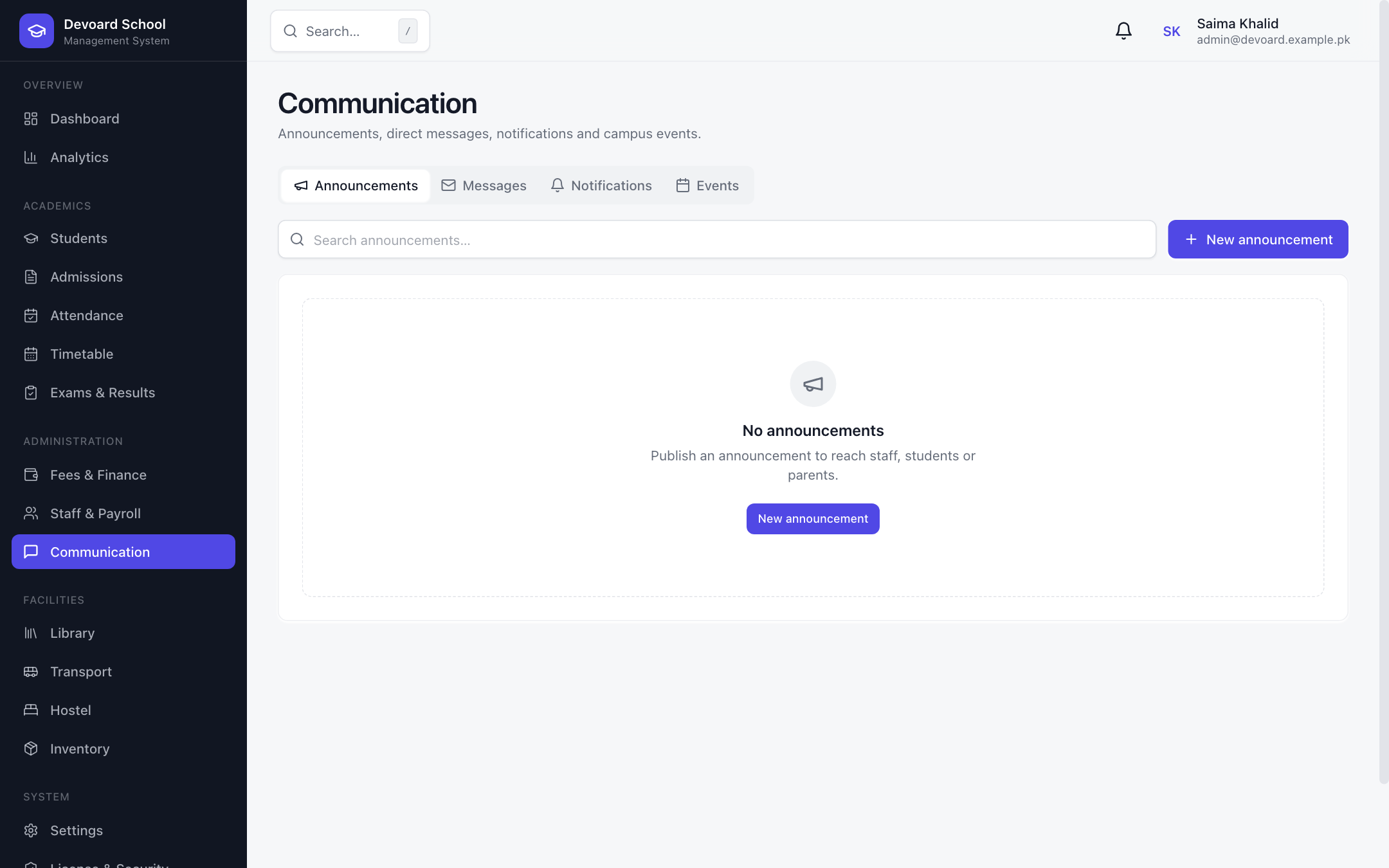 Announcements
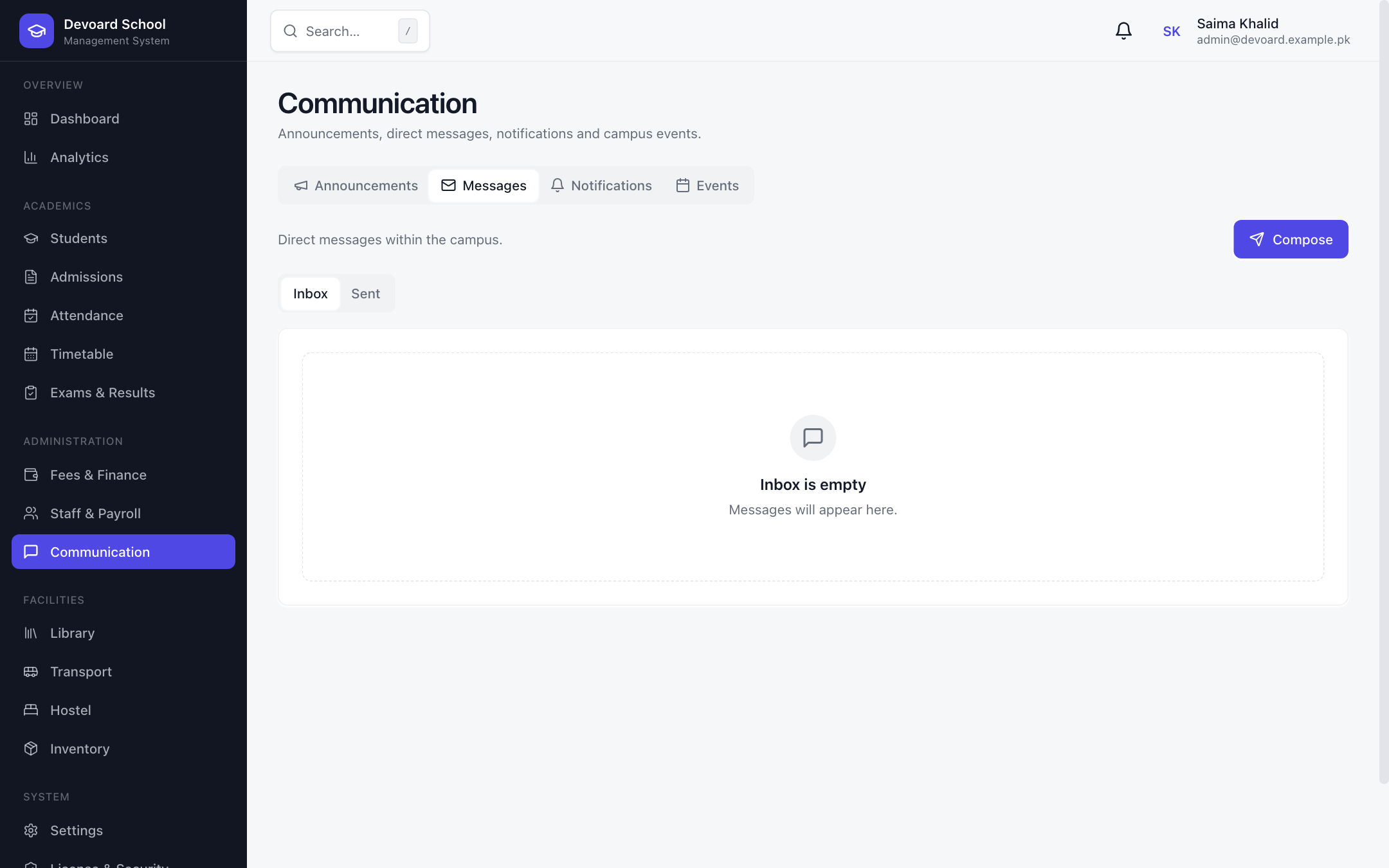 Messages / Inbox
Library Management
Catalog, issues and cards.
A full library module: catalog books with authors, ISBN, categories, copies and shelf locations; issue books to students with due dates and late fees; manage reservations; and issue library cards with expiry tracking.
- Book catalog with copy counts & categories
- Issue / return with due dates & late fees
- Reservation queue per book
- Library cards with ACTIVE / EXPIRED / REVOKED status
- Search across title, author and ISBN
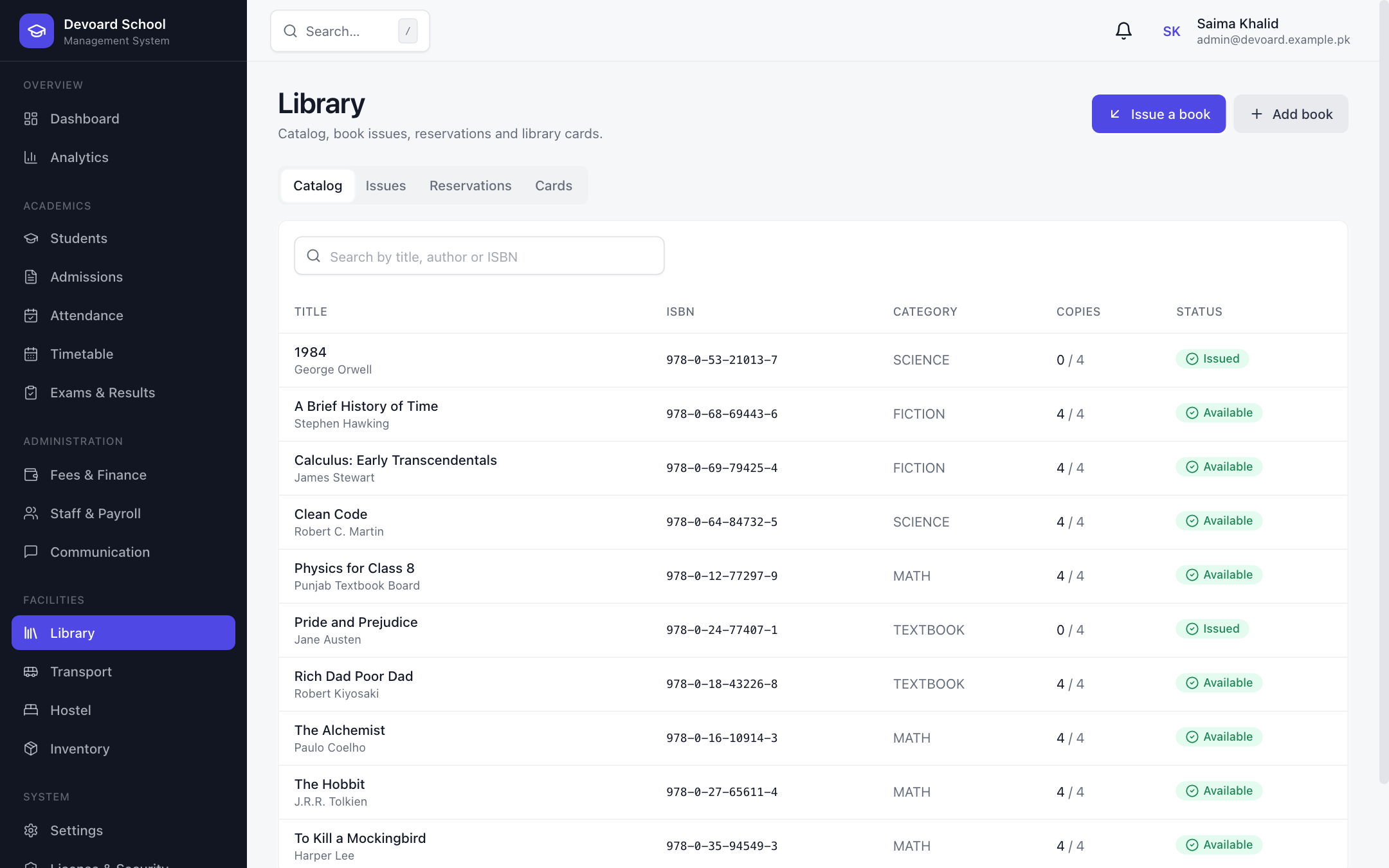 Library Catalog
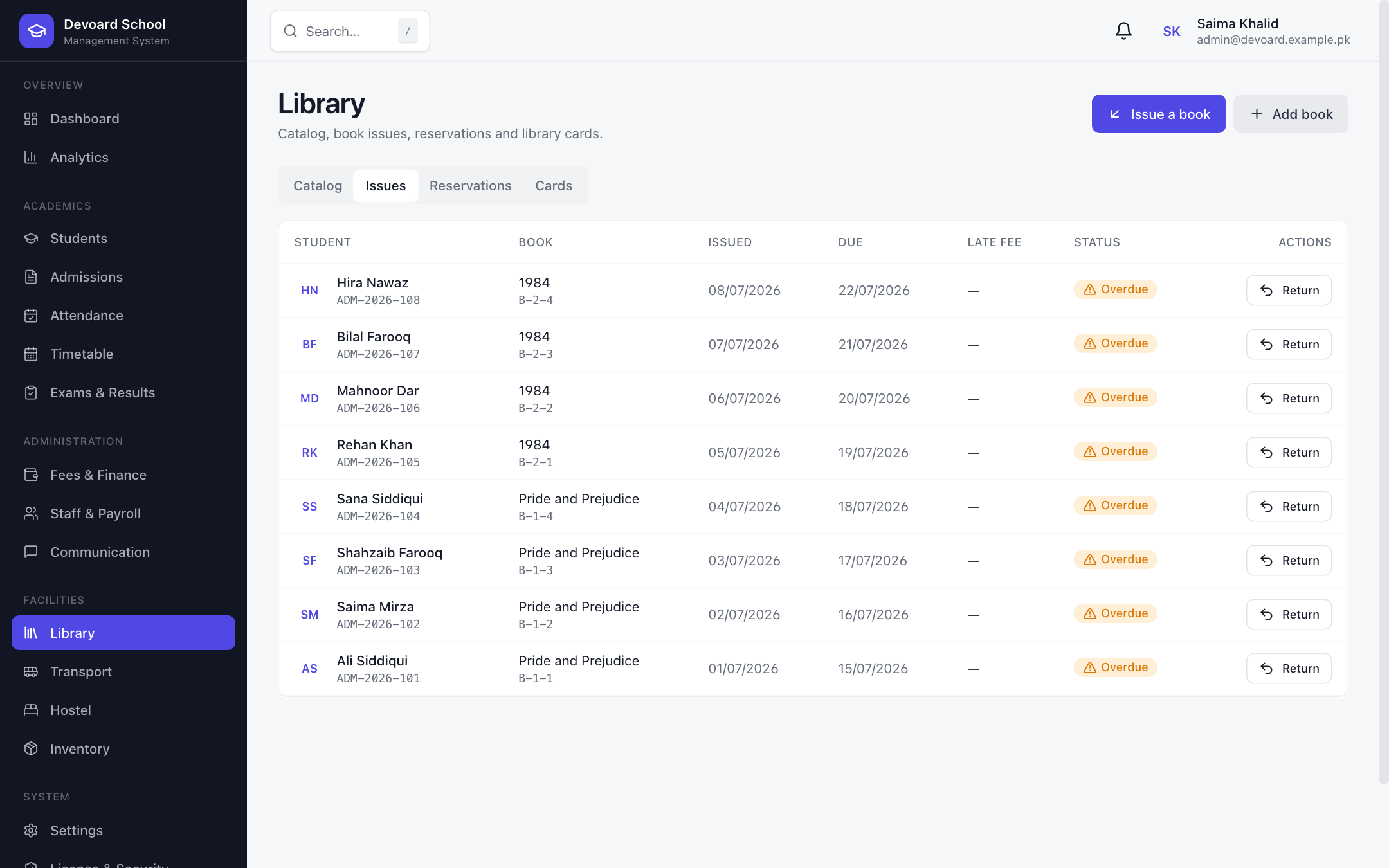 Book Issues
Transport & Boarding
Every route, every ride, tracked.
Manage school transport end to end: routes with stops and fees, vehicles with capacity and insurance/fitness expiry, and daily student boarding with in-service status. Assign students to routes and stops with monthly fees in a few clicks.
- Route builder with dynamic stops & fees
- Vehicle registry with capacity & expiry tracking
- Student assignments per route & stop
- Daily board / deboard with IN_SERVICE status
- Monthly transport fees on every assignment
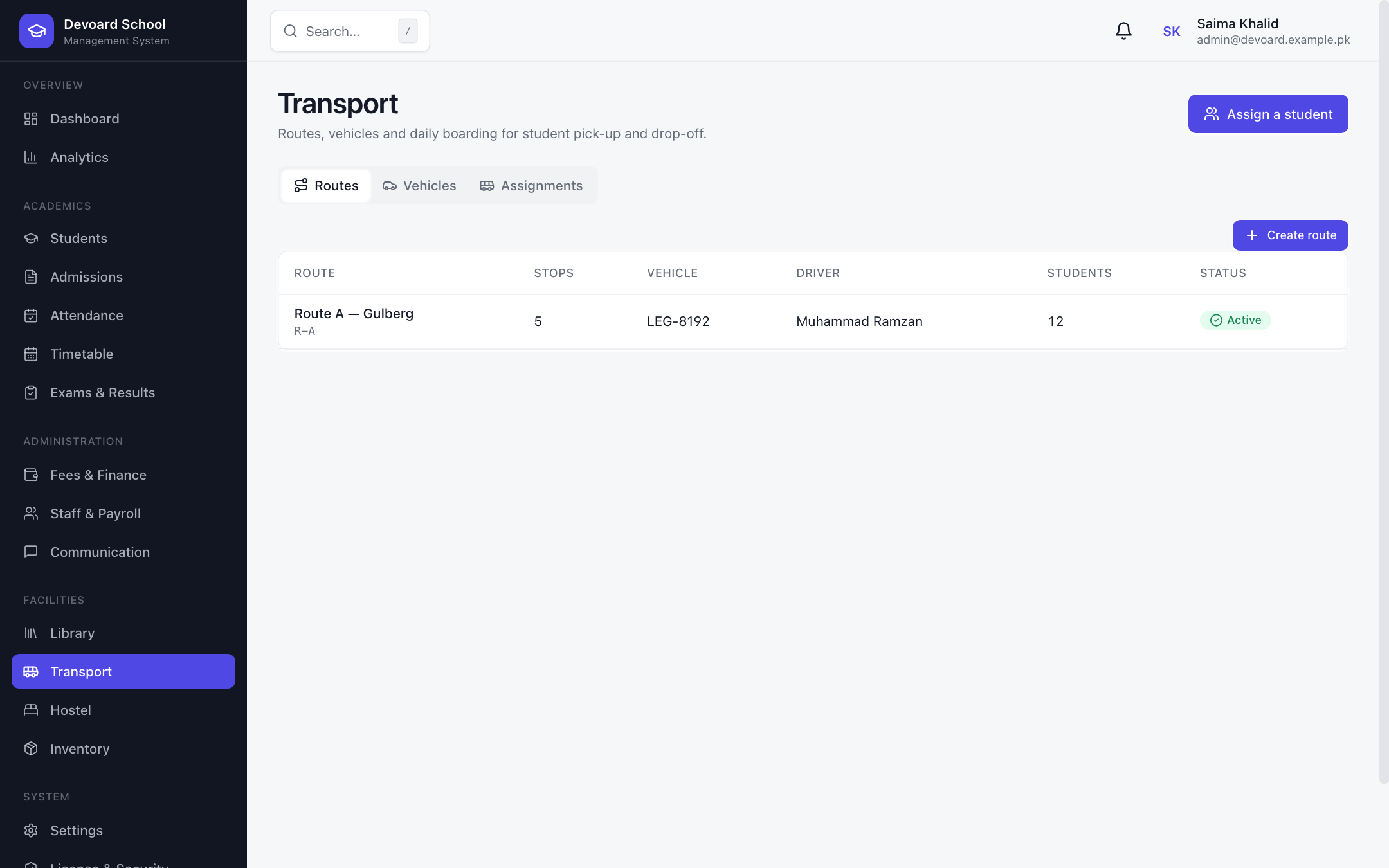 Transport Routes
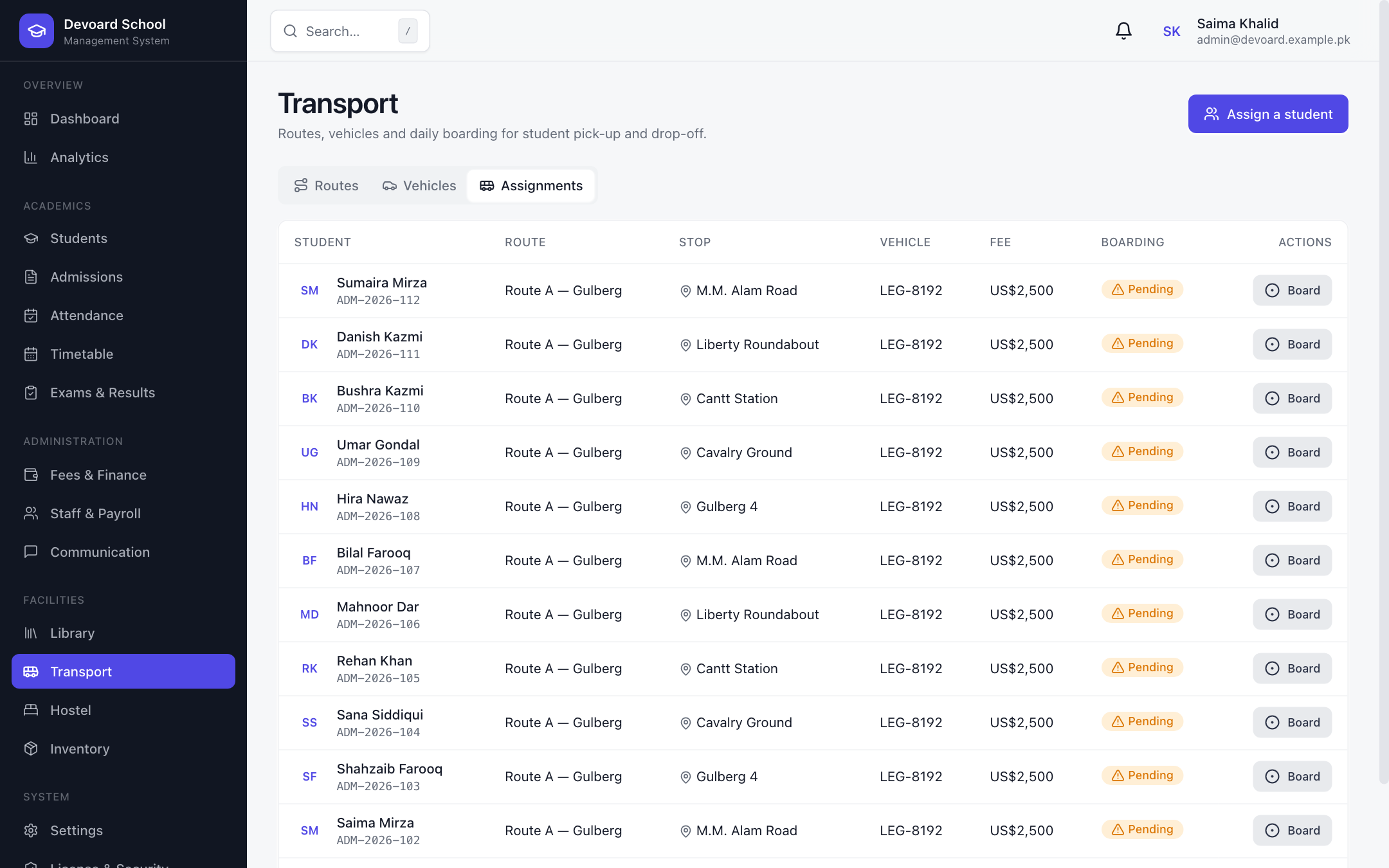 Boarding
Hostel Management
Blocks, beds, visitors and mess.
Run residential life smoothly: create blocks and rooms with capacity and rent, allocate beds to students per session, check visitors in and out with purpose tracking, and maintain the weekly mess menu with meal badges for breakfast, lunch and dinner.
- Blocks & rooms with capacity and rent
- Bed allocations per session with check-out
- Visitor check-in/out with ID & purpose
- Weekly mess menu with meal badges
- Occupancy and allocation status at a glance
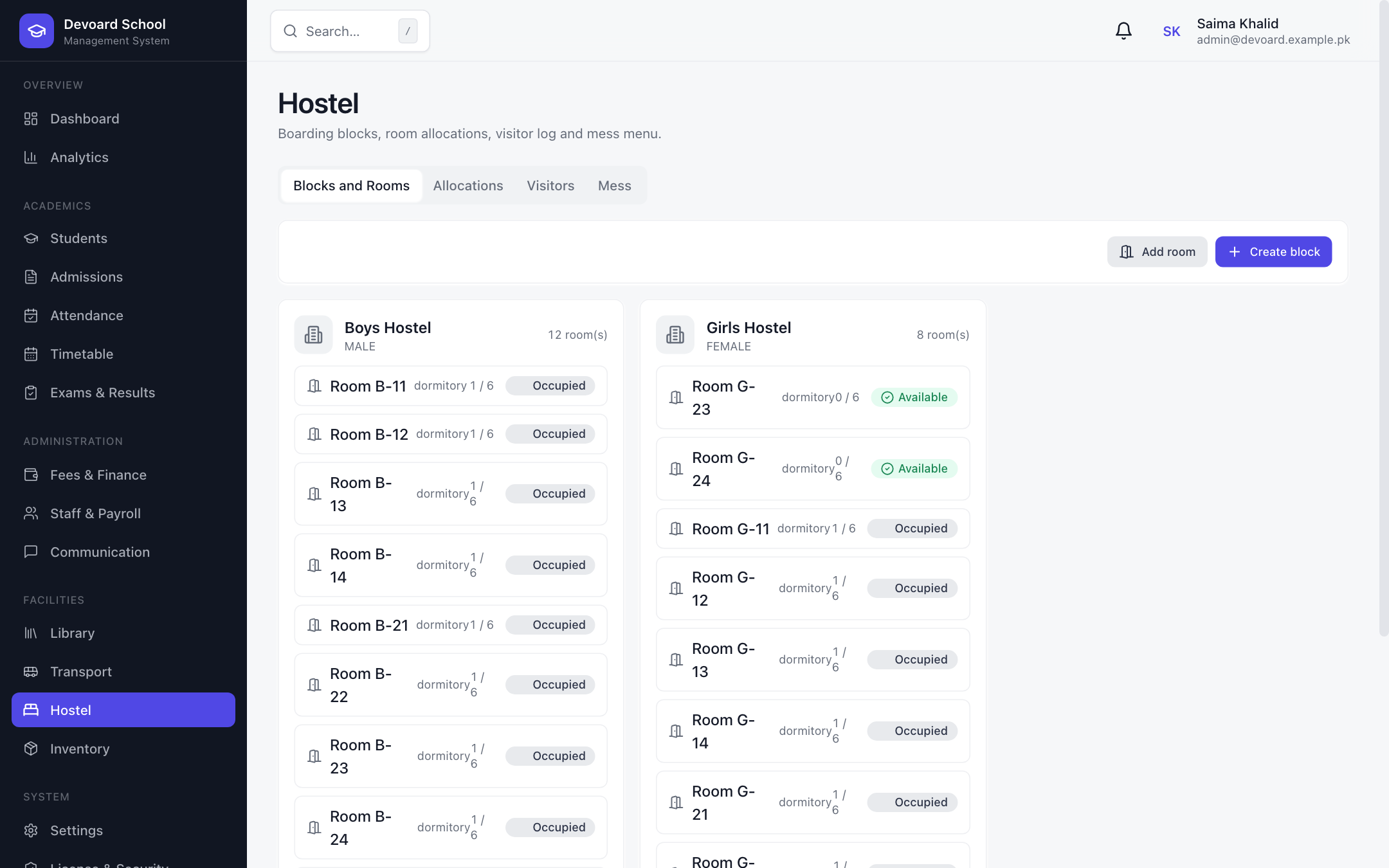 Blocks & Rooms
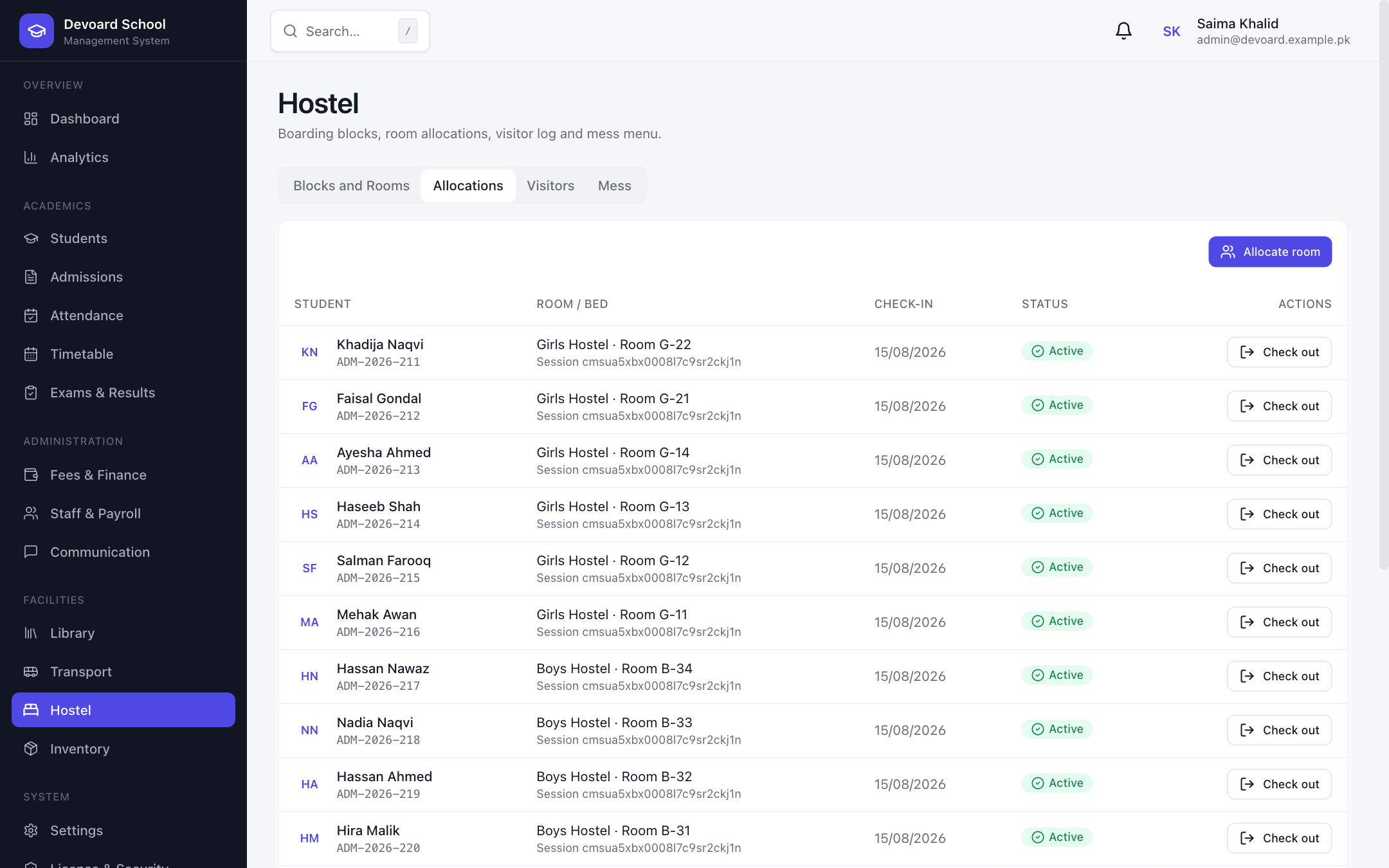 Allocations
Inventory & Assets
Every asset, every item, accounted.
Track school assets and consumables in one place: tagged assets (furniture, lab, IT, sports, office) with assignment and condition; stock items with units, reorder levels and low-stock alerts; purchase requests with approval flow and PO numbers; and vendor records with tax IDs.
- Asset registry with tag, category & condition
- Stock tracking with units & reorder levels
- Low-stock alerts with status badges
- Purchase requests with approval workflow
- Vendor directory with tax IDs
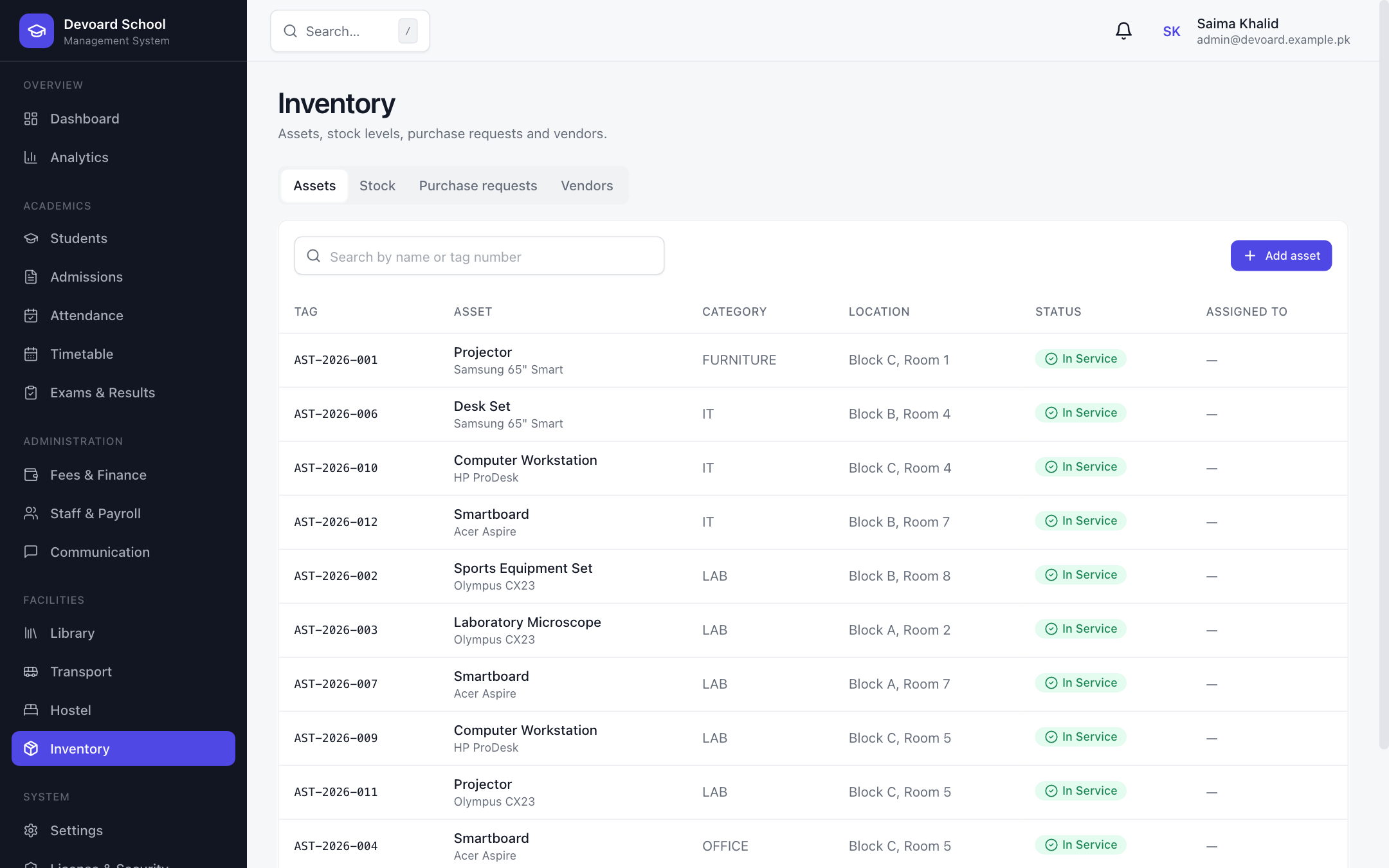 Assets
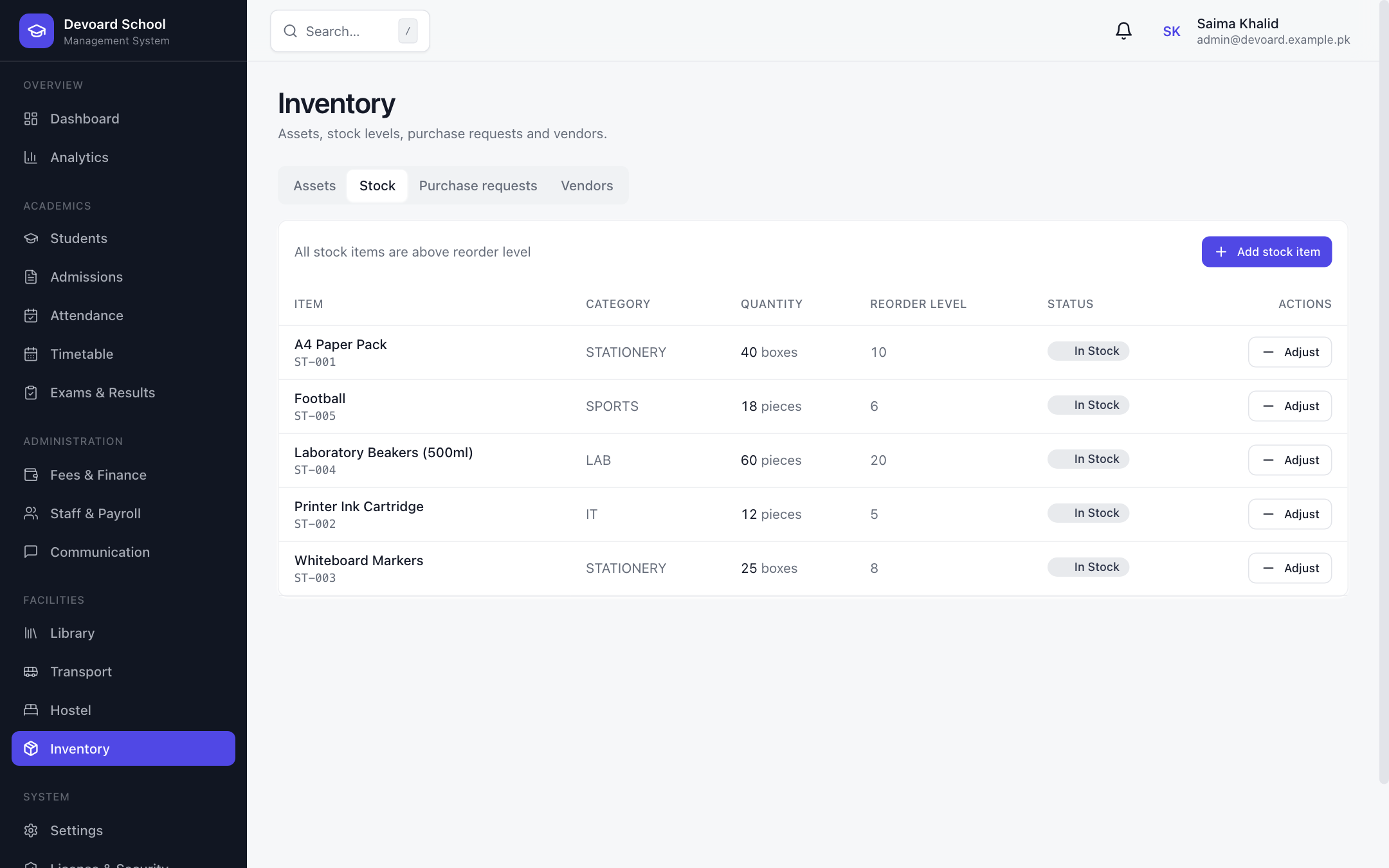 Stock
StockSettings & Roles
Configure once, run your way.
Campus-wide configuration for school name, email, phone, currency (PKR, USD, EUR, GBP, AED, SAR), timezone, date format and address — applied instantly across the app. Manage academic sessions, fine-grained roles & permissions, users with status control, and a full audit log of every action with actor and IP.
- Campus profile, currency & timezone config
- Currency applied app-wide in real time
- Academic sessions with Set Current control
- Role & permission editor grouped by module
- User management with activate/deactivate
- Audit log with actor, action, entity & IP
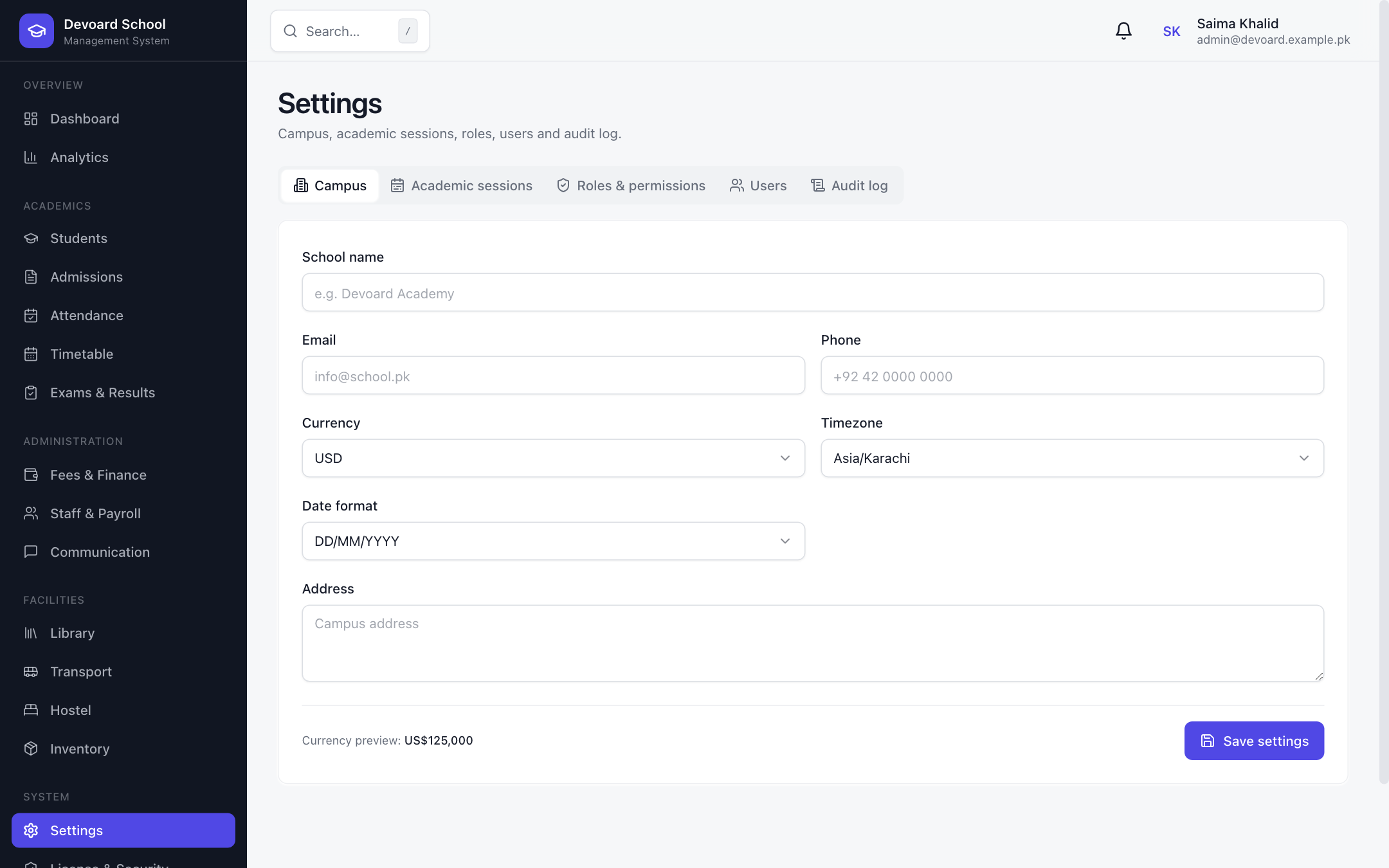 Campus Settings
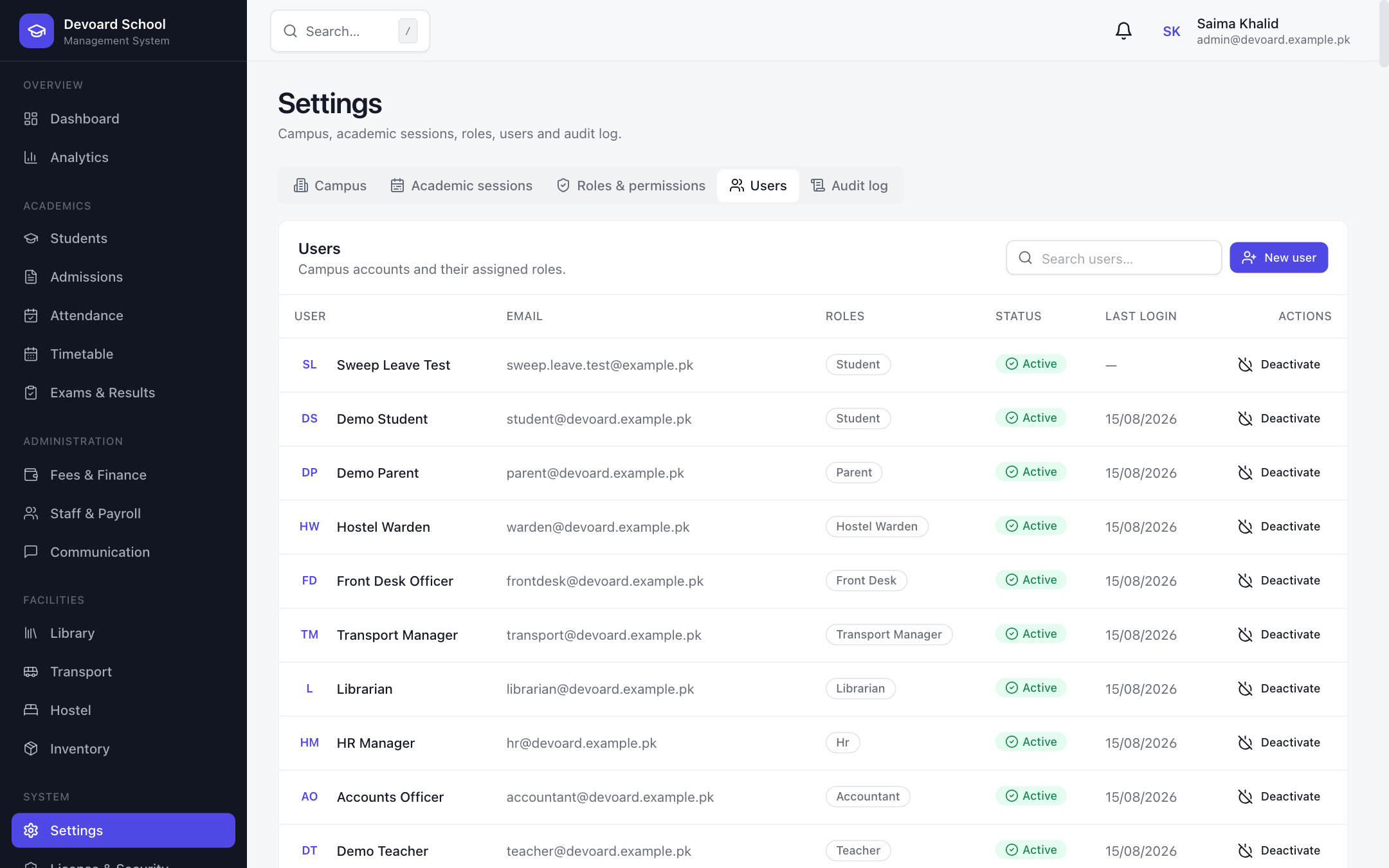 Users & Roles
License & Security
Protected by design, verified by license.
A hardened deployment posture. License status with offline-grace tokens keeps the system running even when the portal is unreachable, while cloud-gated engines (like report-card PDF generation) only run with a verified signed token. Security features include optional 2FA (TOTP), token rotation with single-use hashed refresh tokens, and role-based access control on every guarded endpoint.
- License verification with offline grace period
- Optional 2FA via authenticator (TOTP)
- Single-use rotated refresh tokens, stored hashed
- RBAC on every admin endpoint
- Cloud-gated result engines with signed tokens
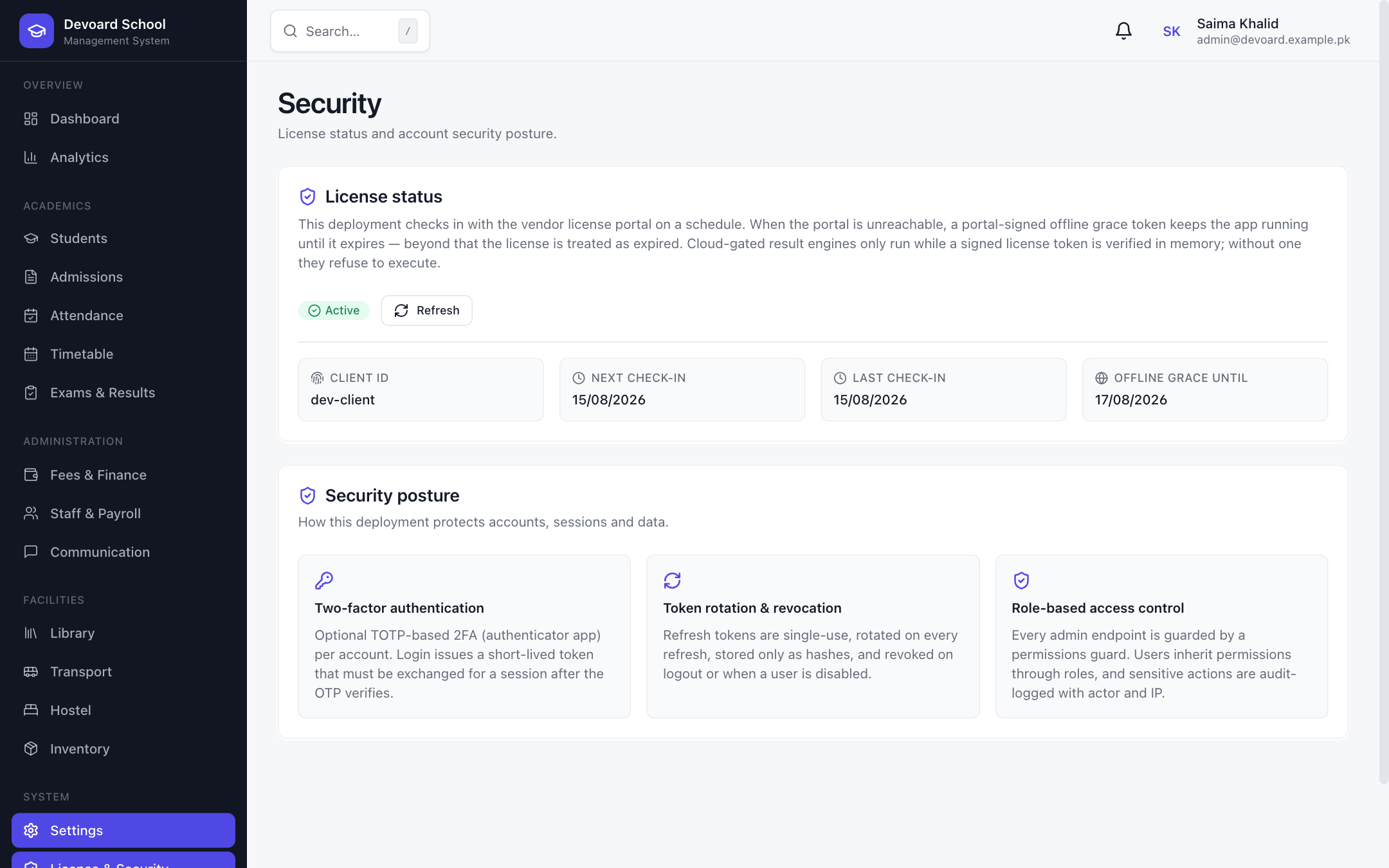 License & Security
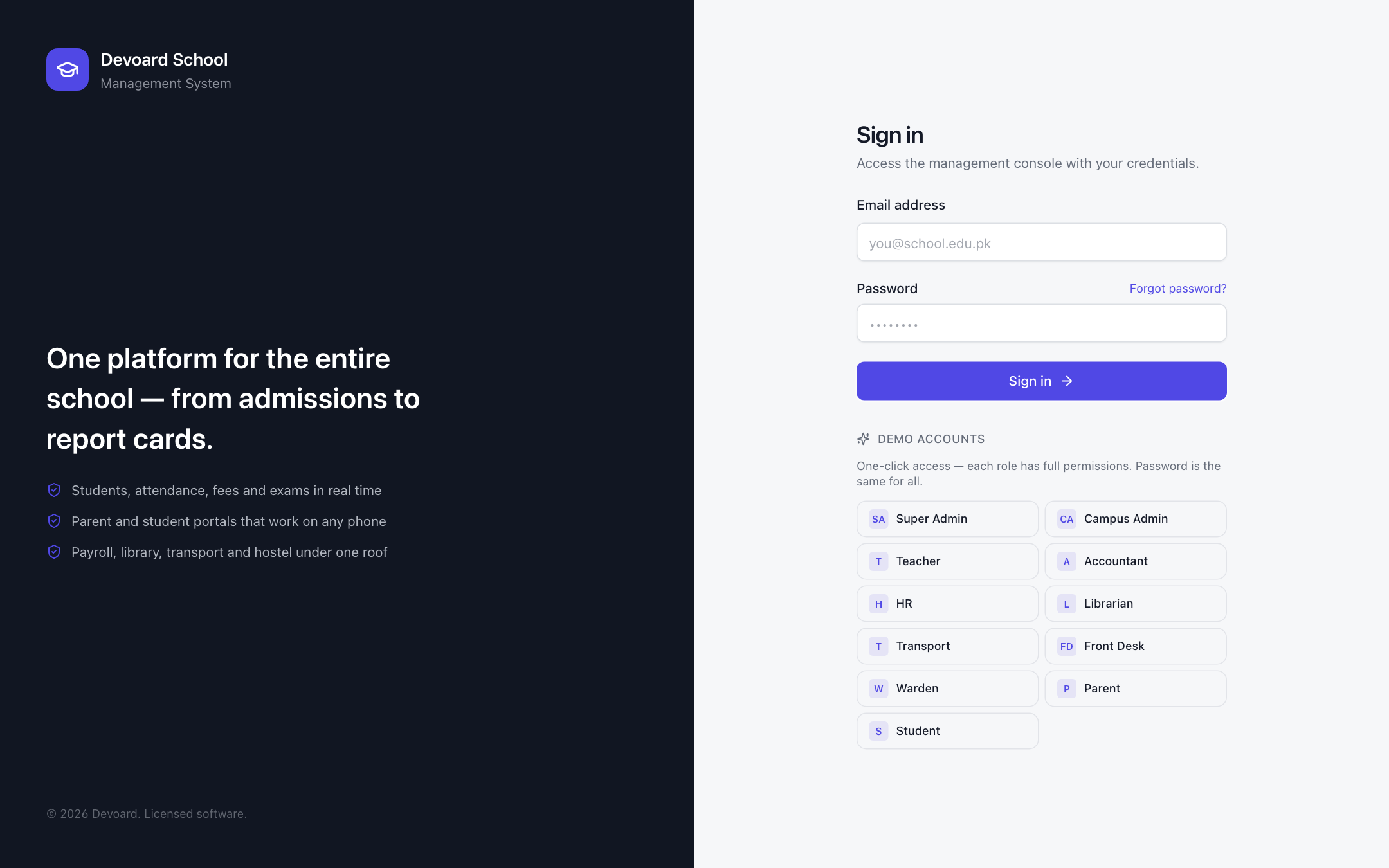 Login & Demo Access
Eleven roles. One secure system.
Fine-grained RBAC gates every menu, page, tab and action. Staff, teachers, parents and students each see exactly what they should — no more, no less.
Dashboard, Students, Attendance, Timetable, Exams & Results, Communication
[email protected]A complete toolkit for your school
Sixteen core modules, every workflow a modern campus depends on — engineered into one calm, secure system.
See Devoard School in action
Click straight into the live deployment and try every module with one-click demo accounts for all eleven roles — from Super Admin to Student. No sign-up, no credit card.
[email protected] · Devoard@123
Questions, answered
What is Devoard School Management System?
+
Devoard School Management System is a complete, role-based school management platform covering admissions, student records, attendance, timetables, exams & results, fees & finance, staff & payroll, communication, library, transport, hostel, inventory, and license-protected security — all in one web application.
Is there a free demo I can try?
+
Yes. A live demo is available at school.devoard.com. Use the one-click demo accounts for any role — Super Admin, Teacher, Accountant, Parent, Student and more — all with the password Devoard@123. No sign-up needed.
Which roles are supported?
+
Eleven built-in roles: Super Admin, Campus Admin, Teacher, Accountant, HR Manager, Librarian, Transport Manager, Front Desk, Hostel Warden, Parent and Student. Every menu, page and action is gated by fine-grained permissions, so each role only sees what it is allowed to.
Can parents and students log in?
+
Yes. Parents can view attendance and exam results and pay fees online, while students access their timetable, results and library. After login each user is redirected straight to the first screen they can access.
Does it handle fees and online payments?
+
Yes. The Fees & Finance module generates monthly invoices in bulk, supports manual invoices, and records payments via CASH, BANK_TRANSFER, CARD, JAZZCASH, EASYPAISA, STRIPE, CHEQUE or OTHER with instant receipts and a full revenue ledger.
Can I print ID cards, transfer certificates and report cards?
+
Yes. Student ID cards and transfer certificates generate as PDFs in one click, and per-student report cards with ranks, grades and pass/fail status download directly from the results tab.
How is attendance tracked?
+
Mark daily attendance with quick actions (all present / absent / late) or per-student PRESENT, ABSENT, LATE and EXCUSED statuses. Defaulters are flagged with at-risk warnings, and leave applications are reviewed by the front desk or administration.
What technology is it built on?
+
The web app is built on Next.js with server-side rendering; the API runs on NestJS with Prisma and PostgreSQL. It uses short-lived access tokens with rotated refresh tokens, optional 2FA, and a license-protected deployment with offline-grace support.
Ready to digitize your campus operations?
Devoard builds, deploys and supports school management systems tailored to your institution — from a single campus to multi-campus education networks.